
Compare hard drives and NAS devices by exact model.
DiskBarn connects exact HDD models, NAS hardware, RAID planning, specifications, and current retailer or manufacturer buying options so you can make a storage decision with less guesswork.
As an Amazon Associate I earn from qualifying purchases.
Move from storage question to exact model
Compare exact models
Search hard drives by brand, series, capacity and model number, or browse NAS hardware by bay count and platform.
Plan the storage
Use the RAID & NAS Capacity Calculator to estimate raw storage, usable capacity, redundancy overhead and drive-failure tolerance.
Review buying options
Open model-level pages for specifications and current retailer or manufacturer purchase options without treating price or stock as fixed.
Match the NAS, RAID level and drives before you buy
Estimate usable capacity and redundancy overhead, then use DiskBarn's NAS and hard-drive databases to continue from the calculation to real hardware.
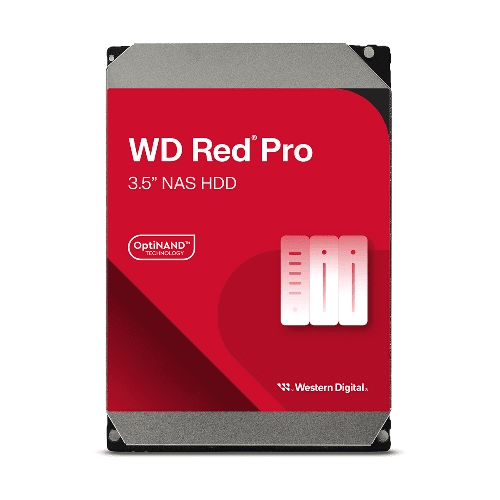
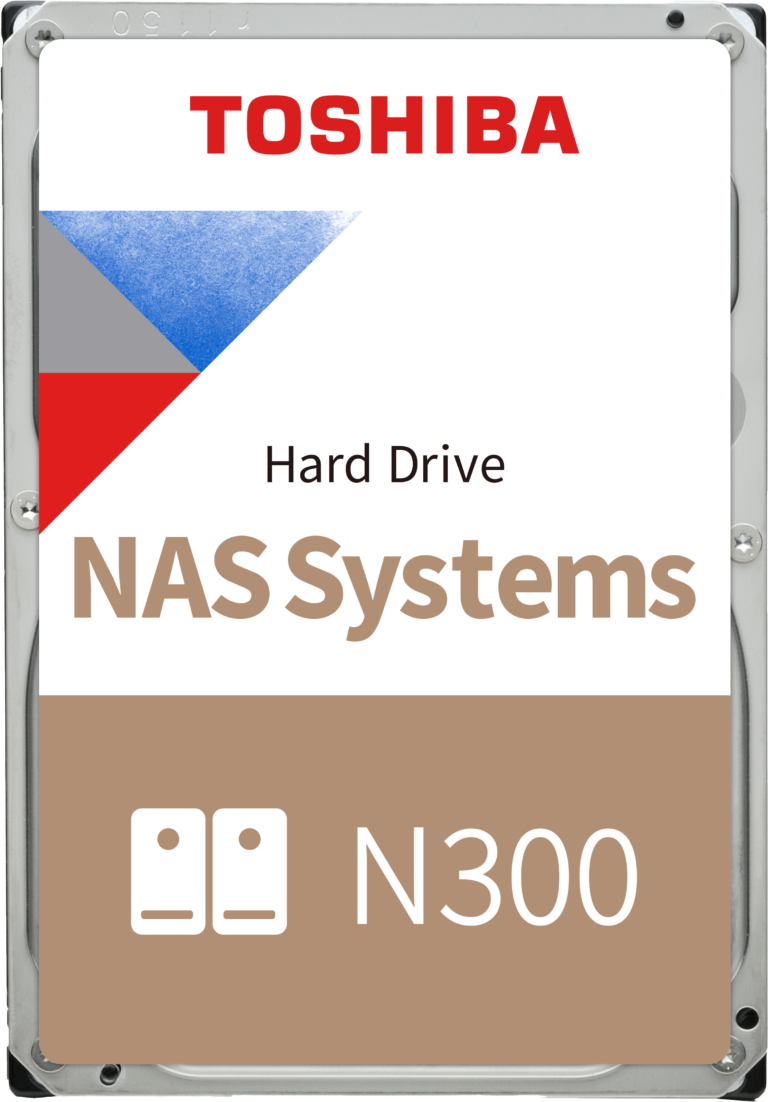
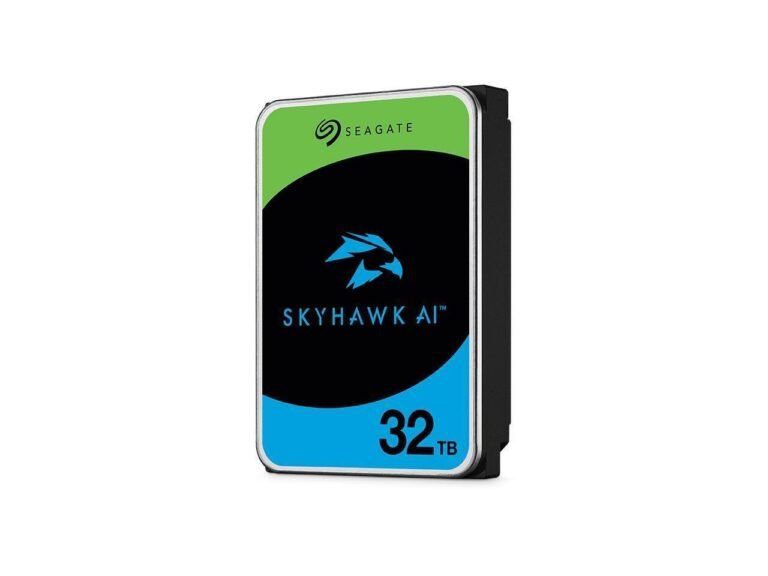
Featured NAS devices
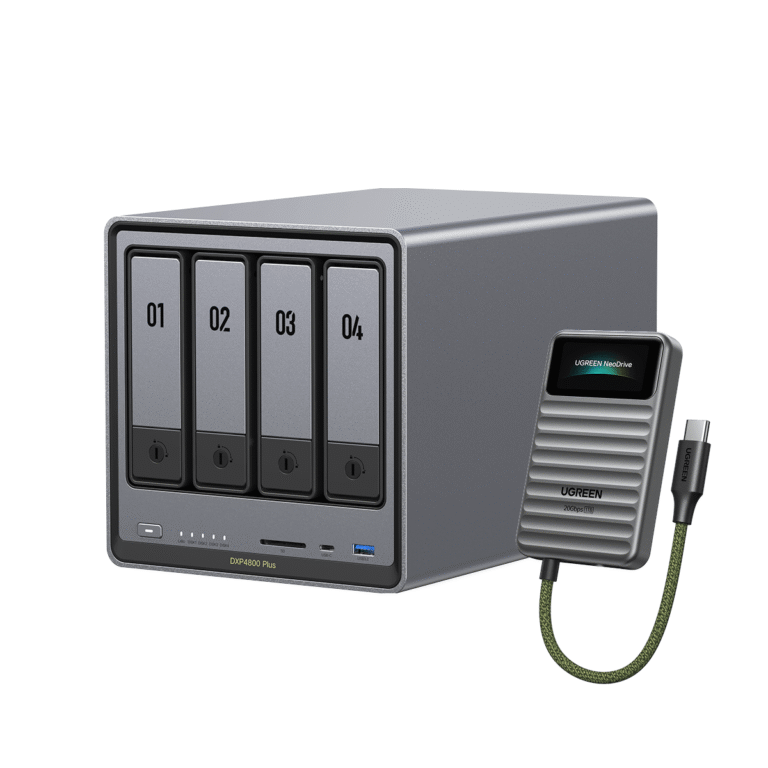
Storage categories covered by DiskBarn
NAS drives
Models designed for network-attached storage and multi-bay systems.
Search NAS drives EnterpriseEnterprise drives
High-capacity drives built for heavier workloads and data-center-style use.
Search enterprise drives SurveillanceSurveillance drives
Drive families intended for continuous video recording and surveillance workloads.
Search surveillance drivesResearch storage decisions before you buy
Practical NAS and hard-drive guides covering model comparisons, RAID and capacity planning, compatibility, workloads, specifications, warranties, and storage-family differences.

RAID 1 vs RAID 5 vs RAID 6 vs RAID 10: Which NAS Layout?
RAID 1 is simple for two bays; RAID 5 saves capacity in 3+ bays; RAID 6 tolerates two failures; RAID 10 suits specific performance…
Read Guide
How Much RAM Does a NAS Need? 4GB vs 8GB vs 16GB
4GB suits light file serving; 8GB is a comfortable general-purpose starting point; 16GB+ is mainly for heavier apps and VMs, if the NAS supports…
Read Guide
Do You Need 2.5GbE or 10GbE on a NAS? The Practical Buying Test
For most homes 2.5GbE is the sensible upgrade; 10GbE pays off for large local files, fast clients and multi-user workflows with matching hardware.
Read Guide
Best NAS for Plex: Direct Play, Transcoding and Hardware That Matters
The best Plex NAS depends on whether your clients direct play or force transcoding. Compare Intel-graphics models, codecs, and subscription requirements.
Read GuideStart with the storage decision that matters to you.
Compare 100 hard drives, browse 65 NAS devices, or calculate usable RAID capacity before choosing hardware.