
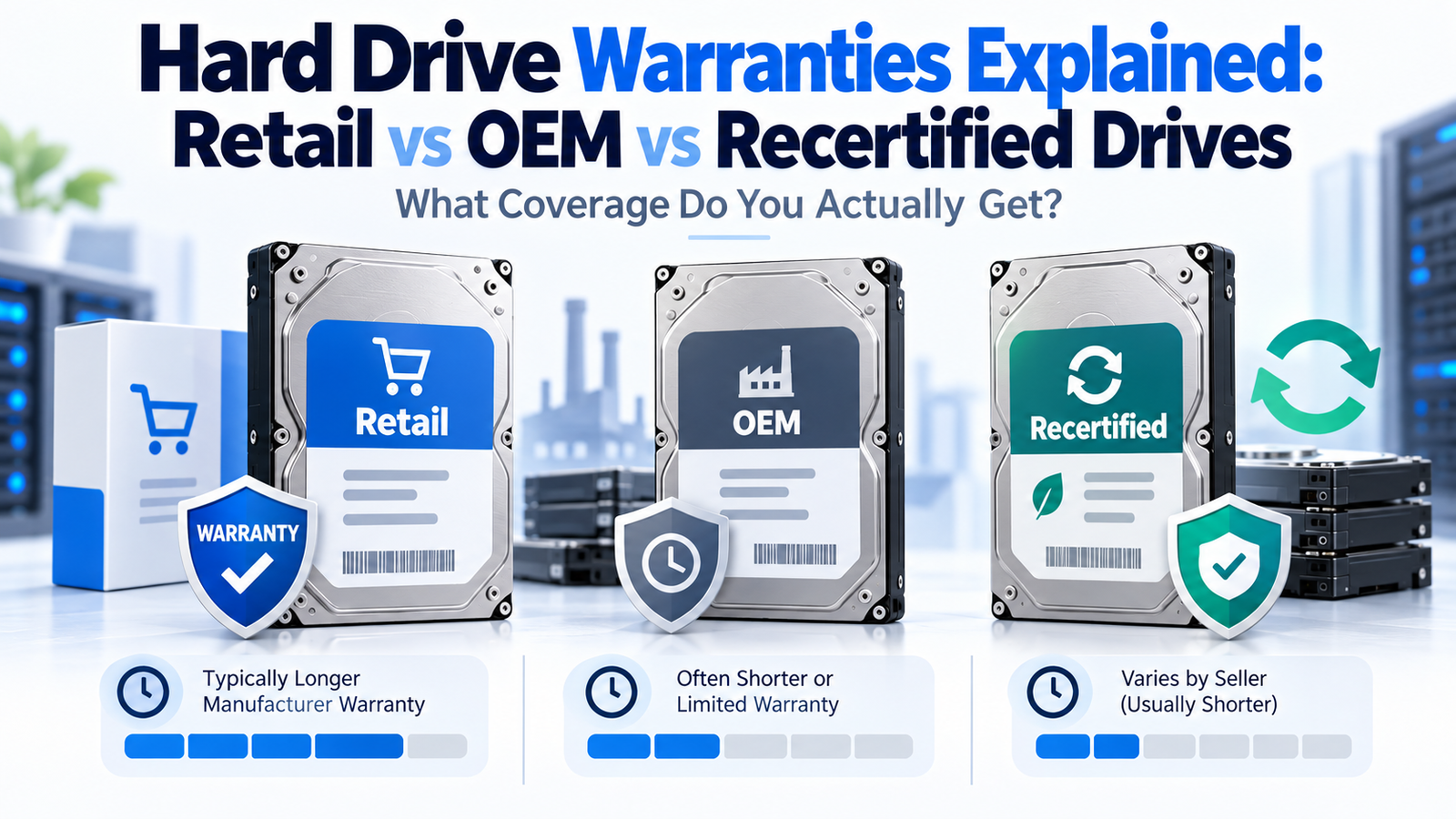
Hard Drive Warranties Explained: Retail vs OEM vs Recertified Drives
At a Glance
| Drive type | Typical warranty situation | What to verify |
|---|---|---|
| New retail / authorized channel | Standard manufacturer warranty is most likely | Exact model, region, seller authorization and serial status |
| OEM pull / system drive | Warranty may belong to original system/OEM | Who actually provides warranty service |
| Manufacturer recertified | Usually shorter, specific recertified warranty | Term printed on product/support page |
| Seller refurbished / renewed | Often seller- or platform-backed | Who performs recertification and who pays return/replacement |
| Used drive | Manufacturer coverage may be expired or unavailable | Power-on history, health, return policy, remaining warranty |
Why the Family Warranty Is Not the Whole Story
A data sheet might say “five-year limited warranty,” but that assumes a qualifying product sold through the appropriate channel and region. Marketplace listings can mix new retail drives, OEM pulls, recertified units and third-party refurbished hardware under nearly identical product titles.
Retail and Authorized-Channel Drives
A normal retail or authorized-distributor purchase is the simplest case. The drive should generally carry the manufacturer’s standard warranty for that product family, subject to regional terms and proof-of-purchase requirements. Even then, verify the exact model because warranty periods differ across families.
OEM Drives: The Manufacturer Name on the Label Can Mislead
Seagate explicitly explains that a drive sold directly to an OEM can have warranty rights and responsibilities with the OEM/system manufacturer rather than Seagate. A Seagate-branded drive removed from a Dell or other system may therefore look like a normal Seagate unit while not carrying the same end-user Seagate warranty as a retail-channel drive.
Recertified Is Not the Same as New
Manufacturer-recertified products can be legitimate and useful, but coverage is often different. Seagate’s current support page lists recertified enterprise drives with a six-month limited warranty on the models shown. Western Digital’s store warranty policy states that qualifying recertified products purchased through its store generally carry a 12-month warranty for purchases since August 20, 2019. The exact program and product must be checked.
Seller-Refurbished and “Renewed” Drives
Third-party refurbished, renewed or “seller recertified” labels do not automatically mean the manufacturer performed the recertification. The warranty may be entirely through the seller or marketplace. For high-capacity enterprise HDDs, this can explain why a listing is substantially cheaper than a new authorized-channel product.
What to Verify Before Purchase
| Check | Why |
|---|---|
| Condition: new / OEM / recertified / used | Defines what warranty assumptions are reasonable |
| Exact model number | Confirms the actual product family and specification |
| Serial-number warranty status if available | Shows whether manufacturer database recognizes coverage |
| Seller and return policy | Critical when manufacturer warranty does not apply |
| Warranty length and start point | Prevents assuming the family’s normal retail term |
| Region | Some manufacturer warranty service is region-specific |
Should a Shorter-Warranty Drive Always Be Avoided?
Not necessarily. A recertified or OEM drive can still make economic sense if the discount is large enough, the seller is reputable, the use case is non-critical or well-backed-up, and the buyer knowingly accepts shorter or seller-only coverage. The mistake is comparing the sticker price to a new retail drive while assuming the warranty is identical.
Bottom Line
Treat warranty as a model-and-channel specification, not a family slogan. DiskBarn product pages should show the normal manufacturer warranty for the model while articles and comparison pages remind buyers to verify the actual seller’s condition and warranty status. That is especially important for enterprise HDDs, where OEM pulls and recertified stock are common.
Compare drives on DiskBarn: Search and compare hard drives by brand, series, capacity, category and model number.
Related DiskBarn Guides
- Can You Use an Enterprise Hard Drive in a Home NAS?
- Seagate Exos vs IronWolf vs IronWolf Pro: Which Type of Drive Should You Buy?
- WD Red Plus vs WD Red Pro: What Are You Actually Paying More For?
- Toshiba N300 vs N300 Pro vs MG: NAS and Enterprise Hard Drives Compared