WD Red Plus vs WD Red Pro: What Are You Actually Paying More For?
At a Glance
| Feature | WD Red Plus | WD Red Pro |
|---|---|---|
| Primary use | Home, power users, small/medium business NAS | Commercial and enterprise NAS |
| Recording technology | CMR | CMR |
| Bay positioning | Up to 8 bays | Unlimited bays |
| Workload rating | Up to 180 TB/year | Up to 550 TB/year |
| Warranty | 3-year limited | 5-year limited |
| RPM | Varies by model; current range includes 5400/5640/7200 RPM | Current family is 7200 RPM |
| Best reason to pay more | Usually not necessary for light NAS use | Higher workload class, larger arrays, longer warranty |
The Main Difference: Workload and Array Class
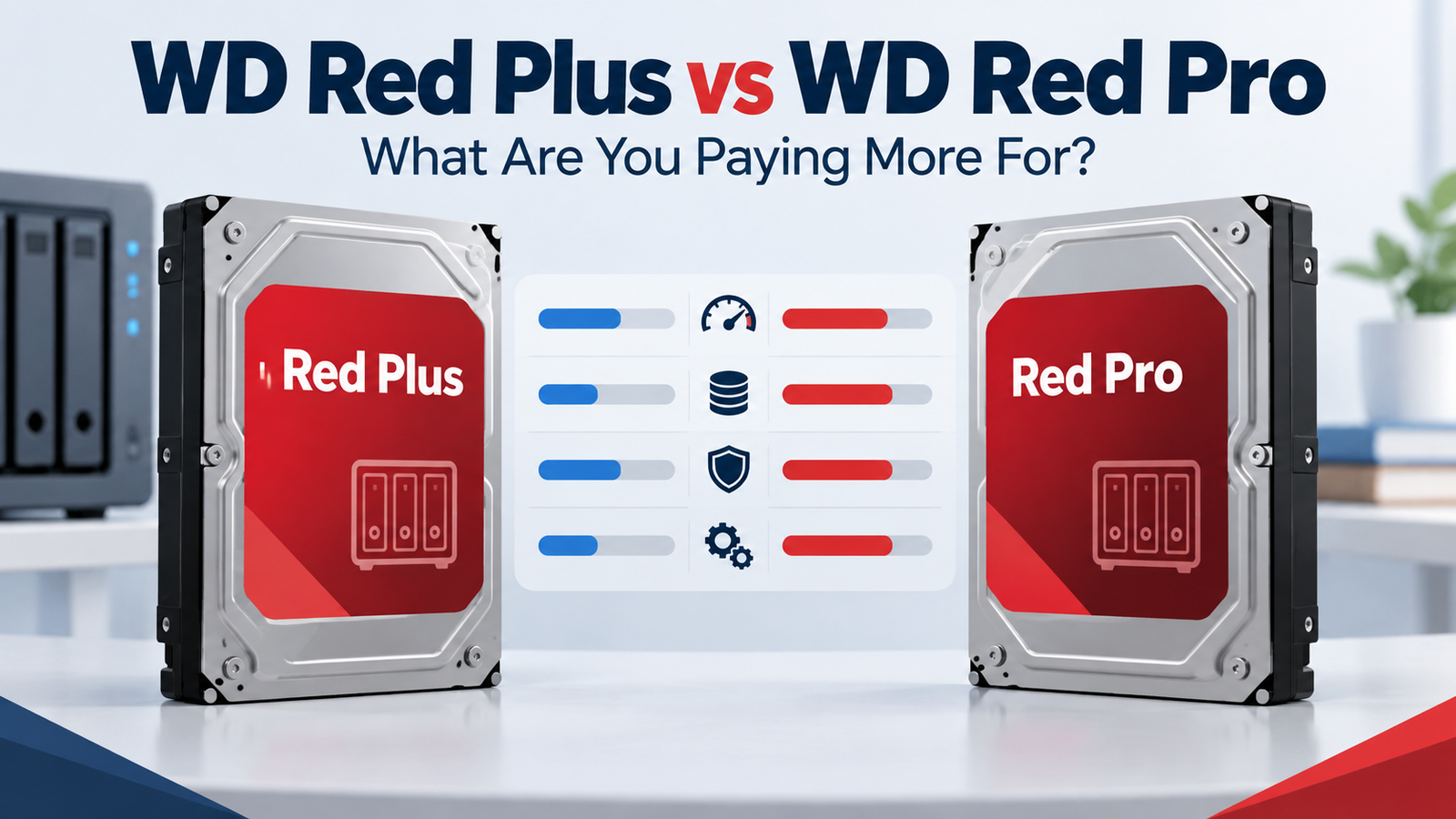
Western Digital positions Red Plus for RAID-optimized NAS systems with up to eight bays and Red Pro for commercial and enterprise NAS systems. The workload rating moves from up to 180 TB/year on Red Plus to up to 550 TB/year on Red Pro. That is a meaningful design target, but it should be matched to your actual use rather than treated as a quality score.
Both Families Use CMR
Current WD Red Plus and WD Red Pro models are CMR drives. This matters because Red Plus was introduced specifically as the CMR-focused Red tier after Western Digital separated device-managed SMR models into the standard WD Red line. For RAID, ZFS and write-heavy NAS use, Red Plus and Red Pro avoid the device-managed SMR concern associated with those older/lower-tier Red products.
Warranty: Three Years vs Five Years
Current WD Red Plus carries a three-year limited warranty, while WD Red Pro carries a five-year limited warranty. If you expect to keep a drive in service for many years, the additional coverage can be part of the value calculation rather than just comparing purchase price.
RPM and Performance Are Model-Specific
Do not reduce this comparison to “Plus is 5400 RPM, Pro is 7200 RPM.” Western Digital’s current Red Plus portfolio contains different spindle speeds depending on model and capacity, including 5400, 5640 and 7200 RPM variants. Red Pro is positioned at 7200 RPM. Compare the exact model number when performance, acoustics or power matter.
Why this matters on DiskBarn
A family comparison explains the tier, while DiskBarn’s product pages should answer the model-specific question. A 12TB Red Plus and a 12TB Red Pro may differ in RPM, cache, transfer rate, warranty and workload rating even though both are “WD Red” NAS drives.
When Red Plus Is the Better Fit
Red Plus is the natural starting point for a typical home or small-business NAS with eight or fewer bays, especially when annual data movement is comfortably below the 180 TB/year class. Paying more for Red Pro solely because “Pro is better” may not improve the user’s actual workload.
When Red Pro Makes More Sense
Red Pro becomes more relevant for larger arrays, heavier sustained data movement, commercial multi-user workloads, professional content creation, virtualization, or buyers who value the five-year warranty. Its 550 TB/year workload class also puts it closer to enterprise products such as WD Gold in headline endurance specifications.
Decision Table
| Situation | Start with |
|---|---|
| 2- to 8-bay home NAS | WD Red Plus |
| Small-business NAS with moderate workload | WD Red Plus, then compare Pro pricing |
| Large multi-bay commercial NAS | WD Red Pro |
| Heavy write / multi-user workload | WD Red Pro |
| You mainly want the longest warranty | WD Red Pro |
| You want lowest purchase cost for an appropriate NAS drive | Compare exact Plus and Pro models at the same capacity |
Bottom Line
The premium for WD Red Pro buys a different workload and support class, not a magical guarantee of better results in every NAS. Red Plus is a purpose-built CMR NAS drive family for smaller systems; Red Pro is the higher-workload, larger-array tier. Compare exact models and capacities instead of choosing by the word “Pro” alone.
Compare drives on DiskBarn: Search and compare hard drives by brand, series, capacity, category and model number.
Related DiskBarn Guides
- CMR vs SMR Hard Drives: What’s the Difference and Which Should You Choose?
- How Much NAS Storage Do You Need? A Practical Capacity Planning Guide
- Hard Drive Workload Ratings Explained: What Does 180, 300 or 550 TB/Year Mean?
- Can You Mix Hard Drive Brands, Models or Capacities in a NAS?