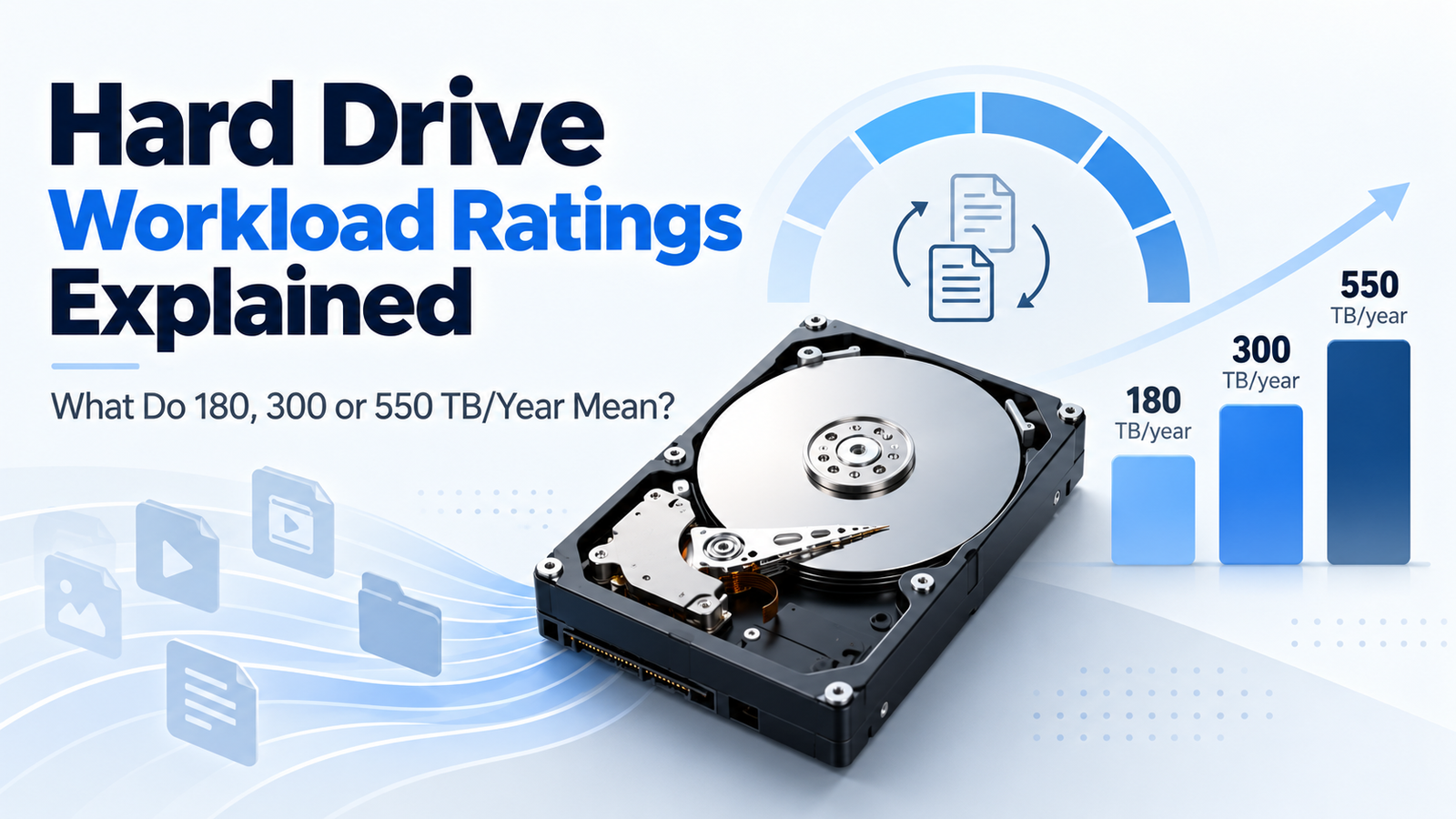
Hard Drive Workload Ratings Explained: What Does 180, 300 or 550 TB/Year Mean?
At a Glance
| Typical workload class | Examples in DiskBarn’s market | What it suggests |
|---|---|---|
| ~180 TB/year | IronWolf, WD Red Plus, Toshiba N300 | Mainstream NAS / moderate always-on workloads |
| ~300 TB/year | Some older Pro / specialty generations | Higher-intensity tier on specific models |
| ~550 TB/year | Current IronWolf Pro, WD Red Pro, N300 Pro, Exos, WD Gold, Toshiba MG | Heavy NAS and enterprise workload class |
How Workload Rate Is Calculated
Seagate publishes a clear annualized workload formula: (lifetime writes + lifetime reads) × (8760 ÷ lifetime power-on hours). The result is expressed in terabytes per year. The important point is that both host reads and writes contribute to the workload—not just the amount of new data saved.
Workload Rating Is Not Drive Capacity
A 20TB hard drive rated for 180 TB/year is not limited to storing 180TB. Capacity is how much data can be stored at one time; workload is how much data is transferred to and from the drive over time. A drive can hold the same 20TB dataset while reading and rewriting portions of it repeatedly throughout the year.
What Happens If You Exceed the Rating?
The workload limit should be treated as the environment the product is designed and warranted around, not a cliff where failure occurs at the next terabyte. Consistently operating beyond a product’s intended workload can reduce margin and move the use case outside the manufacturer’s design assumptions. For a sustained heavy workload, selecting the higher workload class is the cleaner choice.
How Much Is 180 TB/Year in Practice?
180 TB/year averages to roughly 493 GB of host data transferred per day if activity were evenly distributed across a full year. A 550 TB/year workload averages about 1.5 TB per day. Real workloads are bursty, so these daily equivalents are only intuition aids—not a monitoring rule.
Reads count too
Because workload formulas include reads and writes, a NAS that streams, scrubs, backs up and rebuilds arrays can generate more annual workload than the amount of unique new data created by users.
How Workload Classes Map to Current Drive Families
| Family | Current advertised class | Context |
|---|---|---|
| Seagate IronWolf | Up to 180 TB/year | Mainstream NAS |
| Seagate IronWolf Pro | Up to 550 TB/year | Commercial / enterprise NAS |
| WD Red Plus | Up to 180 TB/year | NAS up to 8 bays |
| WD Red Pro | Up to 550 TB/year | Commercial / enterprise NAS |
| Toshiba N300 | Up to 180 TB/year | NAS |
| Toshiba N300 Pro | Up to 550 TB/year on current lineup | Business NAS |
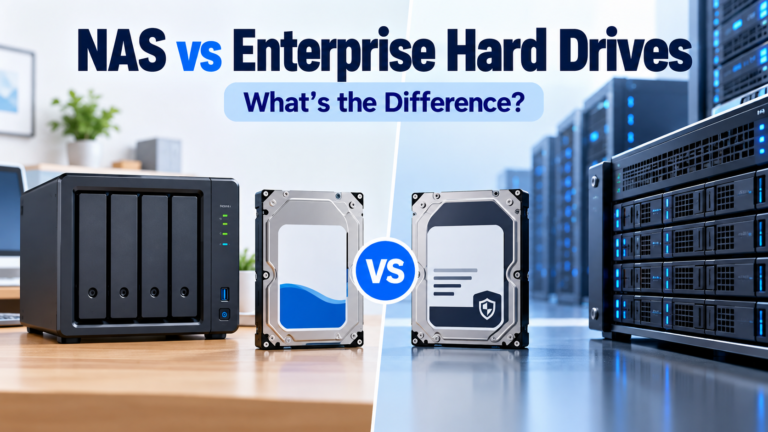
| WD Gold / Seagate Exos / Toshiba MG | Up to about 550 TB/year | Enterprise class |
How to Use the Specification When Buying
Use workload rating as a screening field. If your usage is clearly modest, a 180 TB/year NAS drive may be entirely appropriate. If the system performs heavy backups, multi-user creative work, virtualization, frequent large transfers or enterprise storage tasks, compare higher-workload NAS and enterprise models. Then consider interface, warranty, acoustics, power and compatibility rather than buying on workload number alone.
Bottom Line
Workload rating tells you the annual data-transfer class a hard drive is designed to handle. It is useful precisely because DiskBarn can expose it beside capacity, interface and warranty. Treat it as one part of the system-fit decision—not a reliability score and not a reason to overbuy a drive your workload does not need.
Compare drives on DiskBarn: Search and compare hard drives by brand, series, capacity, category and model number.
Related DiskBarn Guides
- NAS vs Enterprise Hard Drives: What’s Actually Different?
- Seagate Exos vs IronWolf vs IronWolf Pro: Which Type of Drive Should You Buy?
- WD Red Plus vs WD Red Pro: What Are You Actually Paying More For?
- Toshiba N300 vs N300 Pro vs MG: NAS and Enterprise Hard Drives Compared