512e vs 4Kn Hard Drives: What NAS and Server Buyers Need to Know
At a Glance
| Feature | 512e | 4Kn |
|---|---|---|
| Physical sector | 4096 bytes | 4096 bytes |
| Logical sector exposed to host | 512 bytes | 4096 bytes |
| Compatibility | Broad; designed to preserve 512-byte expectations | Requires host/controller/OS support for 4K logical sectors |
| Common use | Consumer and enterprise compatibility | Modern enterprise / storage environments |
| Buying risk | Usually lower | Higher if host support is unknown |
What Does 512e Mean?
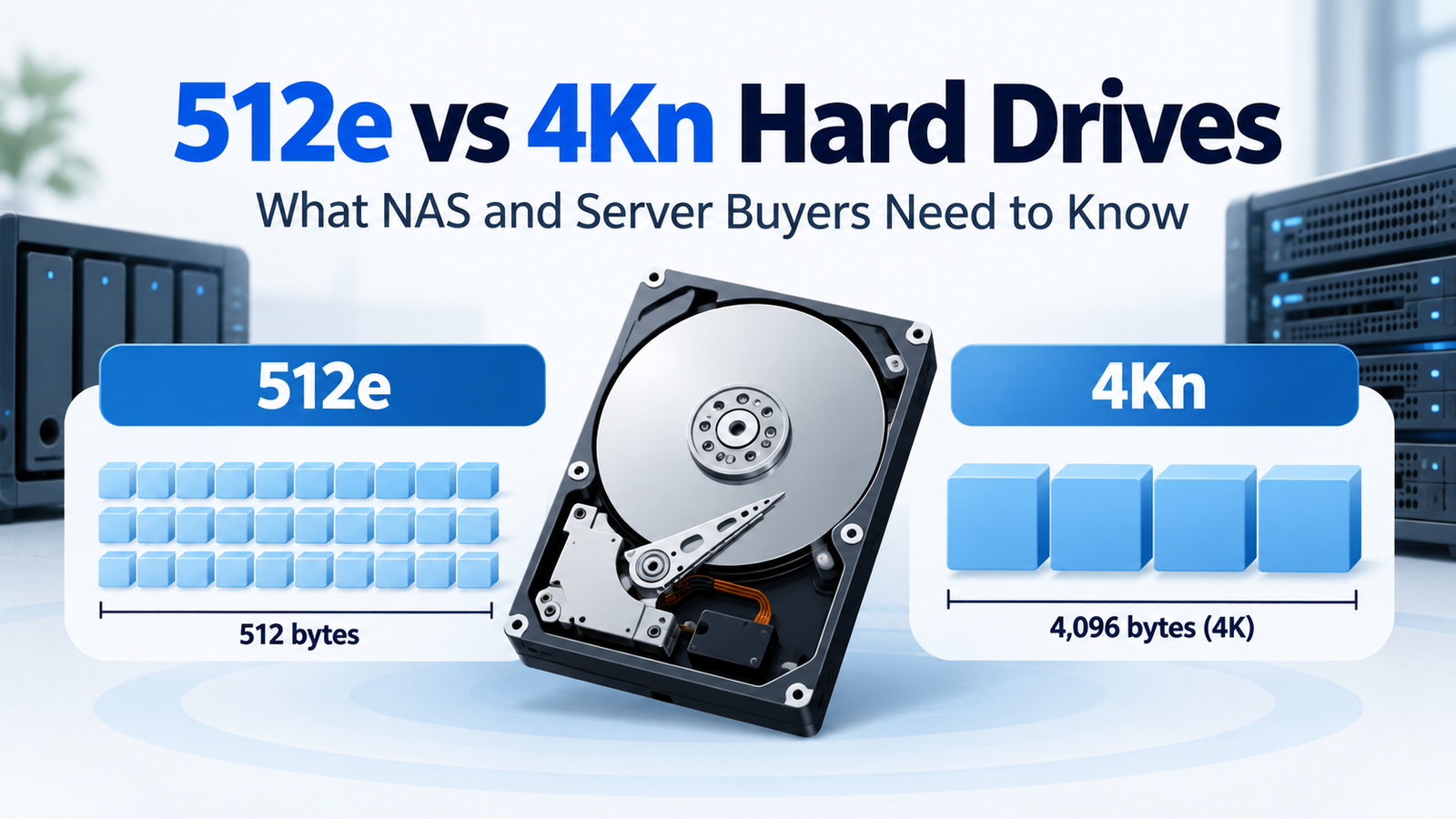
512e stands for 512-byte emulation. The drive uses 4096-byte physical sectors internally but presents 512-byte logical sectors to the host. That lets newer Advanced Format drives work with a large body of software and hardware originally designed around 512-byte sectors.
What Does 4Kn Mean?
4Kn means 4K native. The drive exposes 4096-byte logical sectors directly to the host. This removes the emulation layer but requires the controller, operating system, boot environment and storage stack to support native 4K logical sectors.
Why This Matters When Buying Enterprise Drives
Enterprise families can contain separate 512e and 4Kn model numbers at the same capacity and interface. Seagate’s Exos support pages list model-specific 4Kn, 512e and convertible variants. A listing that says only “Exos 10TB SATA” may therefore omit a compatibility detail that matters.
Can Windows and NAS Systems Use 4Kn?
Modern platforms can support 4Kn, but support is not universal across every controller, enclosure or boot path. Microsoft documents 512e support on BIOS- or UEFI-based systems, while its Windows deployment guidance specifies UEFI for 4Kn boot scenarios. NAS support should be checked with the NAS vendor because the appliance controls the storage stack.
Does 4Kn Make the Drive Faster?
Sector format by itself is not a meaningful consumer performance ranking. A 4Kn model is not automatically faster than the 512e version. Capacity, platter density, firmware, workload, cache and host behavior have more direct effects on observed performance. Choose format for compatibility and system design first.
Which Should You Buy?
| Situation | Safer starting choice |
|---|---|
| Typical home NAS with uncertain 4Kn support | 512e |
| Older RAID controller / HBA | 512e unless documented 4Kn support |
| Modern enterprise array qualified for 4Kn | 4Kn can be appropriate |
| Buying used/recertified enterprise drive | Verify exact model before choosing |
| Same model family offered in both formats | Choose the format explicitly supported by the host |
Bottom Line
512e and 4Kn are host-interface formats, not quality tiers. 512e prioritizes compatibility; 4Kn exposes native 4K logical sectors for systems designed to use them. When shopping enterprise HDDs, verify sector format alongside SATA/SAS, because either detail can make an otherwise attractive drive unusable in a particular NAS or server.
Compare drives on DiskBarn: Search and compare hard drives by brand, series, capacity, category and model number.
Related DiskBarn Guides
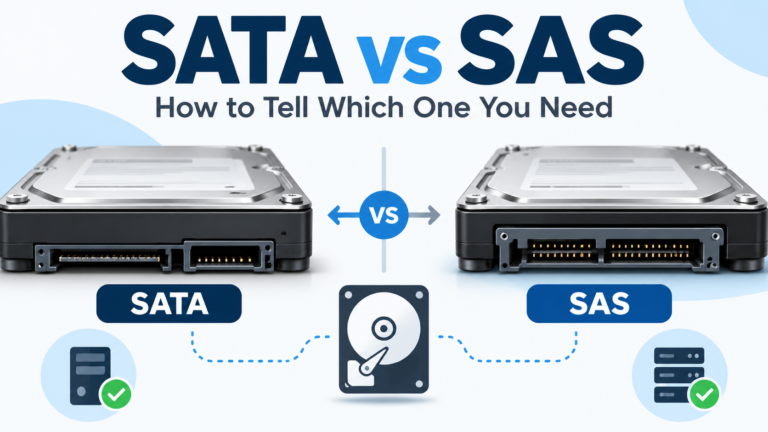
- SATA vs SAS Hard Drives: How to Tell Which One You Need
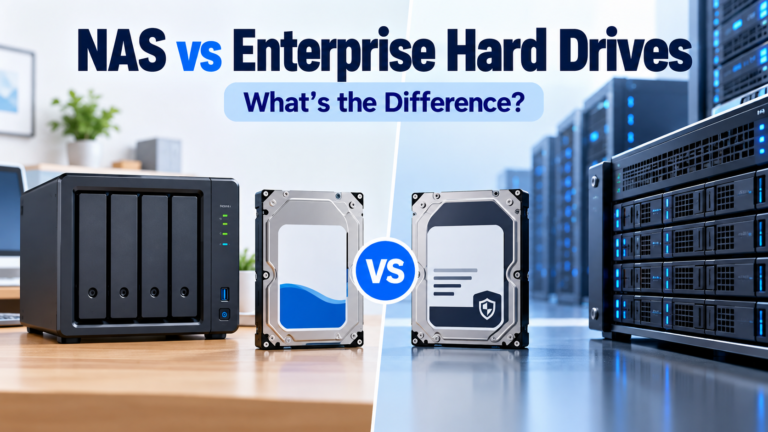
- Can You Use an Enterprise Hard Drive in a Home NAS?
- Toshiba N300 vs N300 Pro vs MG: NAS and Enterprise Hard Drives Compared