NAS vs Enterprise Hard Drives: What’s Actually Different?
NAS and enterprise HDDs are both designed for always-on storage, but they are optimized for different system environments. The differences go beyond capacity and RPM.

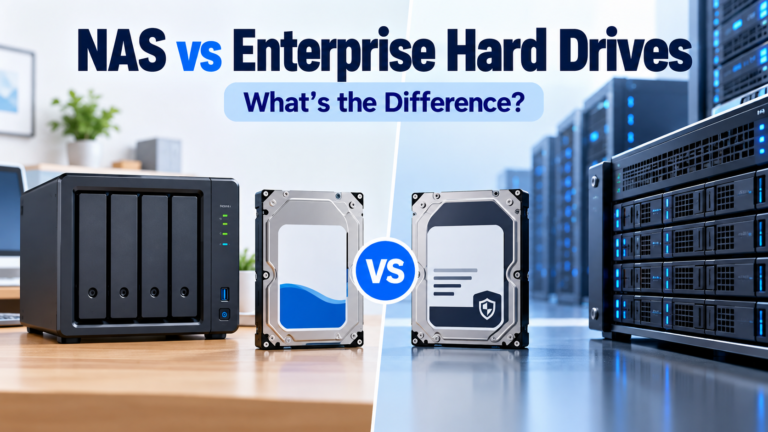
NAS and enterprise HDDs are both designed for always-on storage, but they are optimized for different system environments. The differences go beyond capacity and RPM.
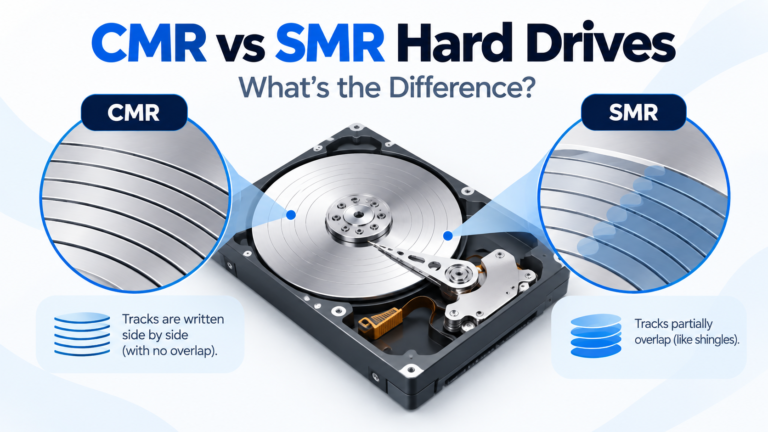
CMR and SMR describe how data tracks are written to a hard drive. The difference matters most under sustained rewrites, RAID rebuilds and other write-heavy workloads.
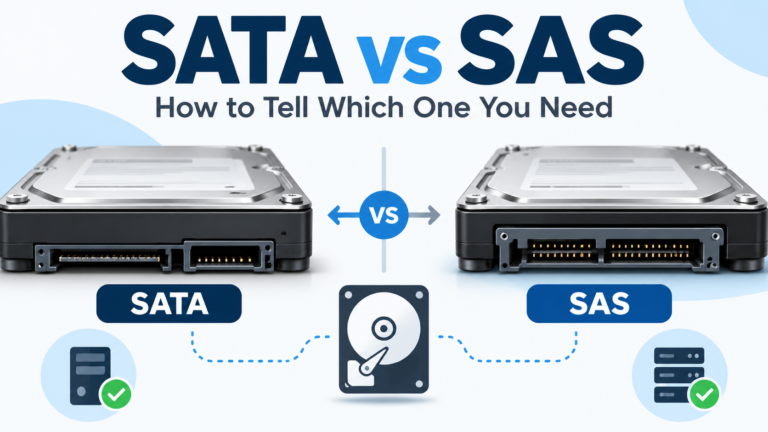
SATA and SAS drives can share the same 3.5-inch form factor, but the interfaces are not interchangeable in both directions. This is a critical check when buying enterprise HDDs.
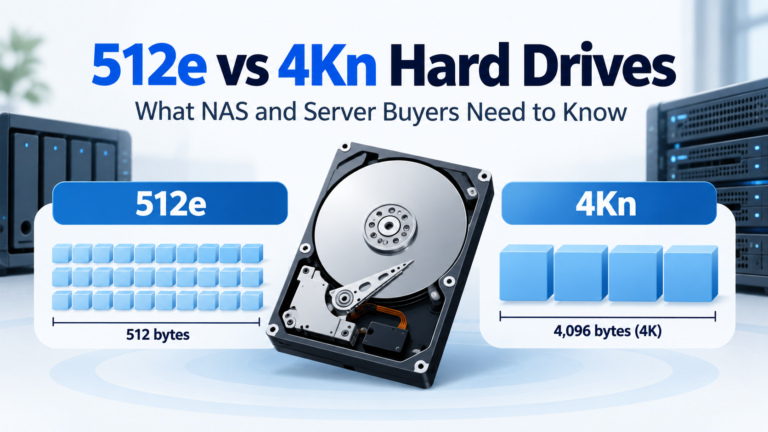
512e and 4Kn describe how a modern 4K-sector drive presents logical sectors to the host. The wrong format can create compatibility problems even when the interface and capacity look correct.
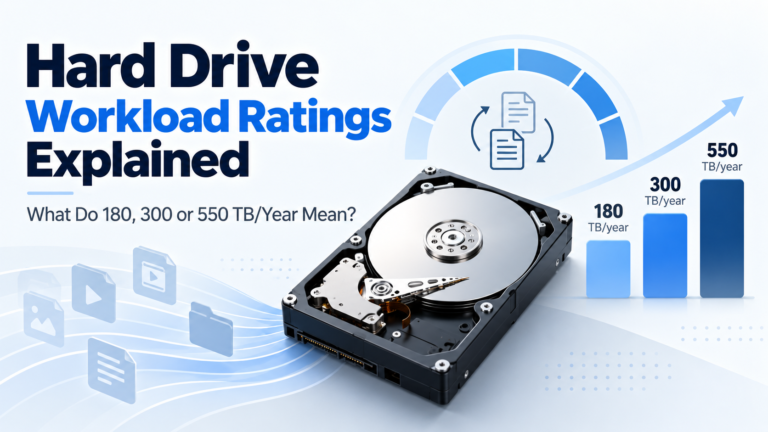
A hard drive workload rating is an annualized measure of data transferred to and from the drive. It is a design-limit specification, not a storage-capacity limit or predicted lifespan.