Toshiba N300 vs N300 Pro vs MG: NAS and Enterprise Hard Drives Compared
At a Glance
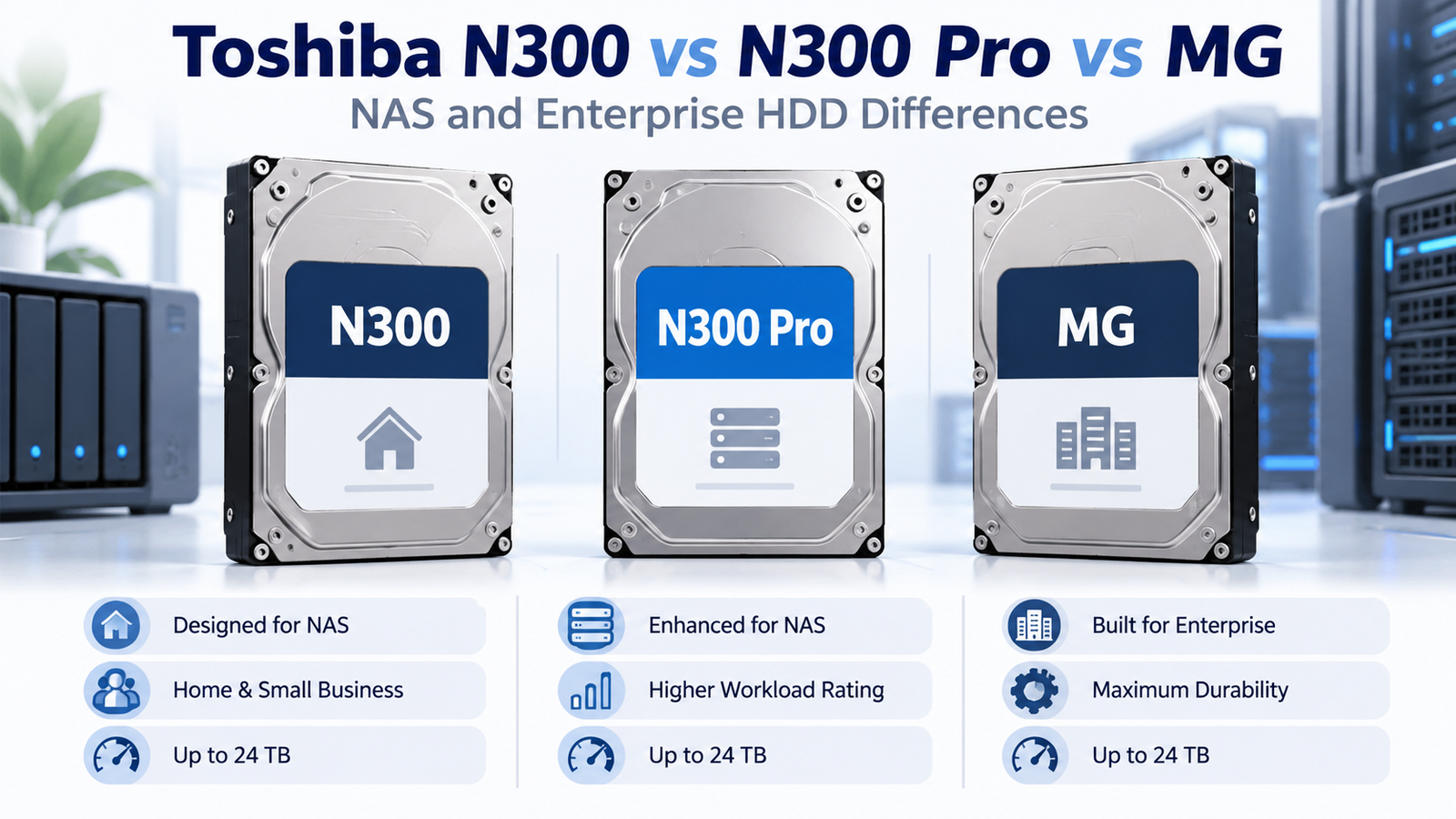
| Feature | N300 | N300 Pro | MG Series |
|---|---|---|---|
| Primary use | Home/office/small-business NAS | Business / high-intensity NAS | Enterprise servers and storage arrays |
| Interface | SATA | SATA | SATA and SAS variants |
| Recording technology | CMR | CMR | CMR on current MG capacity drives |
| Workload rating | Up to 180 TB/year | Up to 550 TB/year on current Pro lineup | 550 TB/year class |
| Drive-bay positioning | Up to 12 on current Toshiba US page | Up to 24 | Enterprise array dependent |
| Warranty | 3 years | 5 years | 5 years |
| Main buying check | Capacity/model | Generation/model—older Pro specs differ | Exact model, interface, sector format |
N300: Toshiba’s Mainstream NAS Family
Toshiba positions N300 for personal, home-office and small-business NAS. Current Toshiba US specifications list CMR across the range, 7200 RPM, workloads up to 180 TB/year, 24/7 operation and a three-year limited warranty. Current bay positioning reaches up to 12 drives on the US product page.
N300 Pro: The Higher-Workload NAS Tier
Current N300 Pro models target medium and larger businesses with higher-intensity NAS workloads. Toshiba’s 2026 product page lists up to 550 TB/year workload, up to 24 drive bays, up to 2.5 million hours MTTF, CMR and a five-year limited warranty.
MG Series: Enterprise Capacity Drives
Toshiba MG drives are enterprise-capacity HDDs intended for business-critical servers, storage arrays, cloud/hyperscale storage and other always-on enterprise environments. Current MG generations offer enterprise workload positioning around 550 TB/year, five-year warranty coverage, 7200 RPM and model-dependent SATA/SAS and sector-format options.
N300 Pro vs MG: Why They Can Look Similar on Paper
At the high end, N300 Pro and MG can overlap on headline specifications such as 550 TB/year workload, 7200 RPM, five-year warranty and high capacities. The distinction is product intent: N300 Pro is a NAS-focused SATA family with NAS-oriented firmware and compatibility positioning, while MG is an enterprise platform with broader interface and format options.
When N300 Pro is simpler
For a supported business NAS, N300 Pro keeps the purchasing decision closer to a NAS-specific product: SATA interface, NAS bay positioning and compatibility testing. That can reduce the number of enterprise-specific variables a buyer needs to verify.
When MG is worth considering
MG becomes relevant when the storage system is enterprise-oriented, when SAS is required, or when a specific MG model offers the capacity, price or sector/security configuration your controller is designed to use.
Decision Table
| Use case | Starting family |
|---|---|
| Home / small-office NAS | N300 |
| Higher-intensity business NAS | N300 Pro |
| Large enterprise storage array | MG |
| NAS buyer comparing low-priced enterprise models | N300 Pro vs compatible MG SATA model |
| SAS-based server/storage system | MG SAS model |
Bottom Line
N300, N300 Pro and MG form a useful progression from mainstream NAS to higher-workload NAS to enterprise storage. Do not treat MG as simply “N300 Pro but better,” and do not treat older N300 Pro specifications as current. Compare the exact Toshiba model number, interface, sector format and workload rating at the capacity you need.
Compare drives on DiskBarn: Search and compare hard drives by brand, series, capacity, category and model number.
Related DiskBarn Guides
- NAS vs Enterprise Hard Drives: What’s Actually Different?
- Can You Use an Enterprise Hard Drive in a Home NAS?
- SATA vs SAS Hard Drives: How to Tell Which One You Need
- Hard Drive Workload Ratings Explained: What Does 180, 300 or 550 TB/Year Mean?