UGREEN DXP4800 Plus vs Synology DS925+
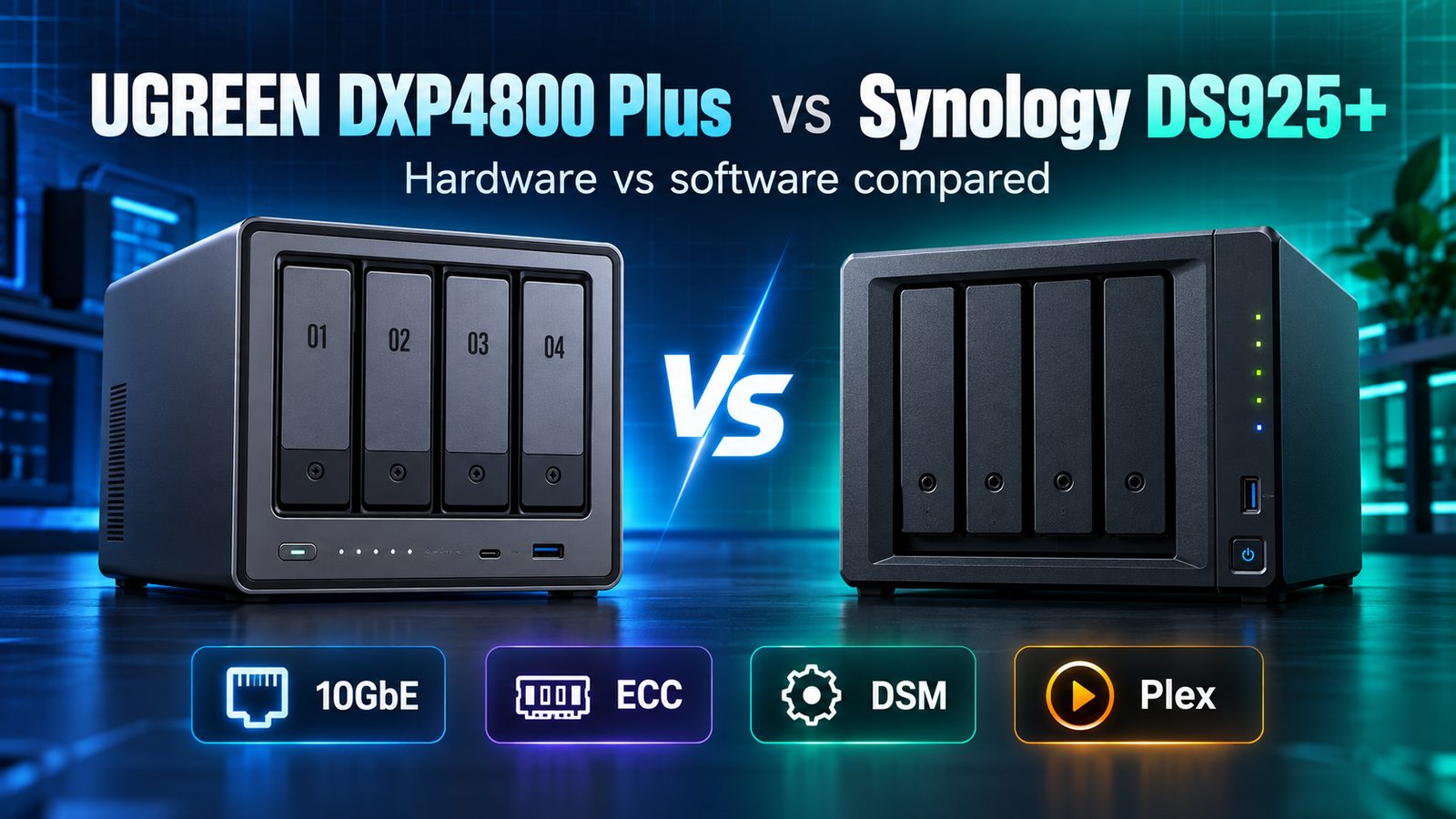
UGREEN DXP4800 Plus vs Synology DS925+ is primarily a choice between hardware headroom and software ecosystem. The UGREEN NASync DXP4800 Plus gives you an Intel Pentium Gold 8505, 8GB DDR5, a built-in 10GbE port plus 2.5GbE, two M.2 slots and HDMI. The Synology DS925+ uses an AMD Ryzen V1500B with 4GB ECC memory, dual 2.5GbE, two M.2 slots and Synology DSM. For a buyer who prioritizes faster networking, media-oriented hardware and flexible third-party drives, the UGREEN is easier to justify. For a buyer who prioritizes DSM, Synology backup tools, ECC memory and a mature administration experience, the DS925+ is the stronger fit.
| Feature | UGREEN DXP4800 Plus | Synology DS925+ | Why it matters |
|---|---|---|---|
| CPU | Intel Pentium Gold 8505, 5 cores / 6 threads | AMD Ryzen V1500B, 4 cores / 8 threads | Both are x86 systems, but they target different workloads. |
| Memory | 8GB DDR5, expandable | 4GB DDR4 ECC, expandable to 32GB | UGREEN starts with more/faster memory; Synology includes ECC. |
| Networking | 10GbE + 2.5GbE | 2 × 2.5GbE | UGREEN has the clearer advantage for a 10GbE workstation or fast local transfers. |
| Drive bays | 4 SATA + 2 M.2 | 4 SATA + 2 M.2 | Both support four primary drives plus NVMe. |
| Video / graphics | Intel platform with integrated graphics; UGREEN positions it for video transcoding | Ryzen V1500B platform without an integrated graphics processor listed | This matters when your media server must convert video instead of direct-playing it. |
| Operating system | UGOS Pro | DSM | DSM is the more established software ecosystem; UGOS Pro is newer but has developed quickly. |
| Expansion | No external bay expansion unit | Supports DX525 expansion to 9 total bays | Synology has the better path if you expect to outgrow four bays. |
Affiliate disclosure: As an Amazon Associate I earn from qualifying purchases. Links to Amazon are paid links.
Check current Amazon listings: UGREEN DXP4800 Plus on Amazon | Synology DS925+ on Amazon
What is the biggest difference?
The biggest difference is not the number of drive bays. Both systems are four-bay NAS devices with two M.2 NVMe slots. The difference is where each manufacturer spends its product budget. UGREEN puts more of it into processor, memory and networking hardware. Synology puts more of the value proposition into DSM, ECC memory, backup applications, surveillance, permissions, snapshots and long-term administration.
That distinction should drive the purchase. A home creator moving large video projects across a 10GbE network has a different priority from a small office that wants centralized backups, predictable permissions and a software stack employees can use without learning a more experimental platform.
CPU and memory
The DXP4800 Plus uses Intel’s Pentium Gold 8505, a 5-core/6-thread mobile-class processor, and ships with 8GB of DDR5 memory. UGREEN lists memory expansion up to 64GB. The DS925+ uses the AMD Ryzen V1500B, a 4-core/8-thread embedded processor, and includes 4GB of ECC DDR4 with support up to 32GB.
ECC memory is valuable in a storage appliance because it can detect and correct certain memory errors. That does not make the DS925+ immune to data loss, and it is not a replacement for backups, but it is a meaningful reliability-oriented design choice.
UGREEN’s larger default memory allocation gives Docker, indexing, multiple apps and other mixed home-server workloads more breathing room out of the box.
Networking: 10GbE is the clearest UGREEN advantage
UGREEN gives the DXP4800 Plus one 10GbE port and one 2.5GbE port. Synology gives the DS925+ two 2.5GbE ports. For ordinary internet backups or a one-gigabit home network, that difference may be irrelevant. For a desktop editing station, large photo library or multi-user workstation environment, it can be decisive.
A NAS is only one part of a fast network. Your switch, client NICs, cabling, drive array and workload also have to keep up. Buying a 10GbE NAS does not automatically produce 10GbE transfer speeds.
Plex and media server use
For Plex, start by asking whether your clients direct play your media. Direct play is much less demanding than real-time transcoding. The DXP4800 Plus uses an Intel processor with integrated graphics, and UGREEN markets the system for video-transcoding and home-media workloads. The DS925+ uses the Ryzen V1500B platform and does not list an integrated GPU in Synology’s hardware specification.
That makes the DXP4800 Plus the more natural platform to investigate when hardware-assisted media conversion is a central requirement. However, Plex behavior depends on codec, client, server build and Plex licensing. A NAS should not be purchased on the assumption that every 4K file will transcode perfectly.
DSM vs UGOS Pro
Synology DSM remains the DS925+’s strongest differentiator. Synology integrates backup, snapshots, file sync, user permissions, virtualization-related tools, surveillance and remote access into one mature interface. For an office or a household that wants the NAS to behave like an appliance rather than a hobby project, that software consistency matters.
UGOS Pro has become a serious NAS operating system, and UGREEN supports cross-platform management, containers and common private-cloud workflows. Its advantage is that the hardware is unusually strong for the class. Buyers should still evaluate whether the specific applications they depend on are available and mature enough for their workflow.
Drive compatibility deserves attention
UGREEN explicitly advertises support for third-party drives from major brands and maintains a compatibility list. Synology says the DS925+ should be used with drives on its compatibility list for full functionality, reliability and support. That does not mean every non-listed disk will instantly fail, but compatibility policy matters if you expect manufacturer support.
DiskBarn’s NAS integration will connect systems like these to suitable HDD classes. Before buying drives, verify the exact NAS model and exact drive model with the manufacturer’s current compatibility information rather than assuming that every NAS-rated HDD is supported.
Expansion and long-term growth
The DS925+ supports Synology’s DX525 expansion unit and can reach nine drive bays in the supported configuration. The DXP4800 Plus does not offer the same external bay-expansion path. If four bays are likely to become a hard limit within a few years, Synology deserves extra weight.
If you are still deciding whether four bays are necessary at all, read 2-Bay vs 4-Bay NAS: Which Size Should You Buy? before choosing a chassis.
Who should buy the DXP4800 Plus?
- Home creators who can use 10GbE.
- Plex and media users who value an Intel graphics-capable platform.
- Docker/home-lab users who want 8GB DDR5 out of the box.
- Buyers who want strong hardware per dollar and broad third-party drive choices.
See the planned DiskBarn device page for UGREEN DXP4800 Plus specifications and related NAS comparisons.
Who should buy the DS925+?
- Users who prioritize DSM and Synology’s backup ecosystem.
- Small offices that value ECC memory and mature permissions/administration.
- Buyers who want an official expansion path beyond four bays.
- Users already invested in Synology apps or workflows.
See the planned DiskBarn device page for Synology DS925+ specifications and related NAS comparisons.
Bottom line
The DXP4800 Plus and DS925+ reach the same four-bay destination by different routes. UGREEN is the hardware-forward choice: 10GbE, more default RAM and an Intel platform suited to media and mixed home-server workloads. Synology is the software-forward choice: DSM, ECC memory, a proven backup ecosystem and supported expansion. Decide which side of that tradeoff matches the job you actually need the NAS to do.
Related: Synology DS925+ vs QNAP TS-464 and QNAP TS-464 vs UGREEN DXP4800 Plus.