2-Bay vs 4-Bay NAS: Which Size Should You Buy?
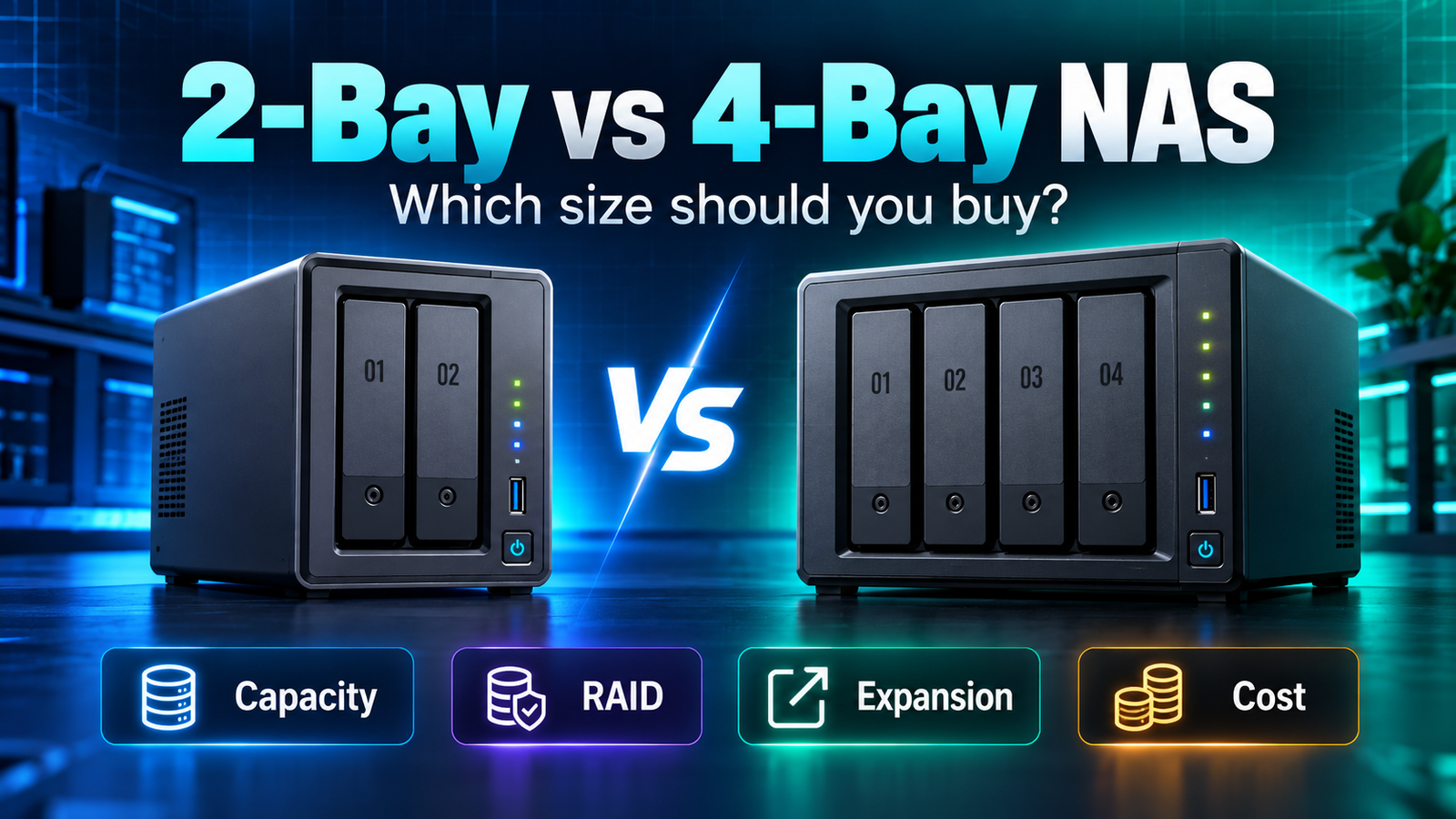
2-bay vs 4-bay NAS is mainly a decision about future capacity and upgrade flexibility, not raw speed. A two-bay NAS is usually enough for home backup, family files and a modest media library when mirrored storage meets your capacity needs. A four-bay NAS costs more but gives you more RAID layouts, more usable capacity per group of drives and more room to grow without replacing every disk. If you already expect your storage to double, a four-bay chassis can be cheaper than buying a two-bay system and replacing it later.
| Question | 2-Bay NAS | 4-Bay NAS |
|---|---|---|
| Typical protected layout | RAID 1 mirror | RAID 5/6, RAID 10 or vendor-specific flexible layouts, depending on platform |
| Usable capacity efficiency | Lower with mirroring | Can be better with parity-based layouts |
| Initial hardware cost | Lower | Higher |
| Power / noise | Usually lower | Usually higher |
| Future expansion | Limited by two bays | More open bays and more migration options |
| Best for | Simple backup, small media libraries, first NAS | Growing libraries, creators, multi-user storage, more RAID flexibility |
Affiliate disclosure: As an Amazon Associate I earn from qualifying purchases. Links to Amazon are paid links.
Two representative Amazon examples: UGREEN DXP2800 2-bay NAS | UGREEN DXP4800 Plus 4-bay NAS
The capacity math is the real difference
Consider two 12TB drives in RAID 1. You have 24TB of raw disk capacity, but the mirrored array provides roughly 12TB of usable space before filesystem and system overhead. That is the cost of keeping a second copy inside the array so one drive can fail without immediately taking the volume offline.
Now consider four 12TB drives in a single-parity RAID 5-style layout. Raw capacity is 48TB, while roughly one drive’s capacity is devoted to parity, leaving about 36TB before overhead. The exact behavior depends on the NAS and RAID implementation, but the principle is important: more bays can improve usable-capacity efficiency.
Four bays give you more RAID choices
Two-bay systems usually center on JBOD, RAID 0 and RAID 1. Four-bay systems can add RAID 5, RAID 6, RAID 10 and vendor-specific flexible RAID options where supported. More choices are useful, but they also create more ways to build the wrong array if you do not understand the tradeoff between capacity, fault tolerance and rebuild risk.
When a 2-bay NAS makes more sense
- Your protected data fits comfortably within the capacity of one currently available NAS HDD.
- You mainly want PC, Mac, phone or family-photo backup.
- You want lower initial hardware cost and fewer drives to buy.
- You do not expect major capacity growth during the life of the NAS.
- You prefer a simpler RAID 1 setup.
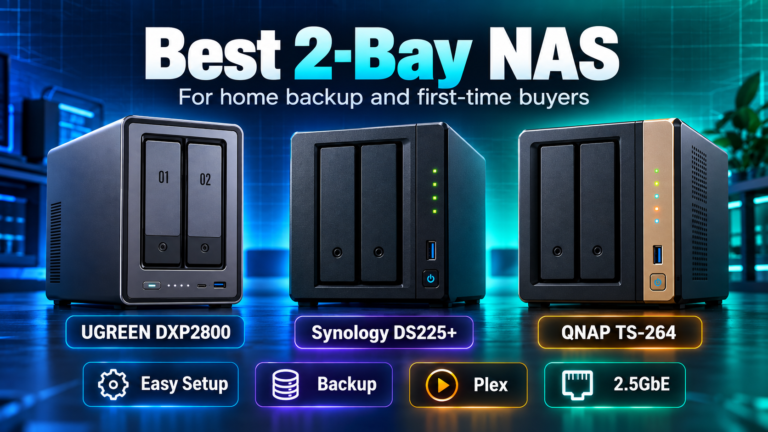
A system such as the UGREEN DXP2800 shows how capable modern two-bay hardware can be: 2.5GbE, an Intel processor, 8GB DDR5 and two M.2 slots are available without moving to four bays.
When a 4-bay NAS makes more sense
- Your media or photo library is growing quickly.
- You want more usable capacity from a set of equal-sized drives.
- You want parity or RAID 10 options.
- You expect multiple users or more demanding storage workloads.
- You want to add drives later rather than replace both drives at once.
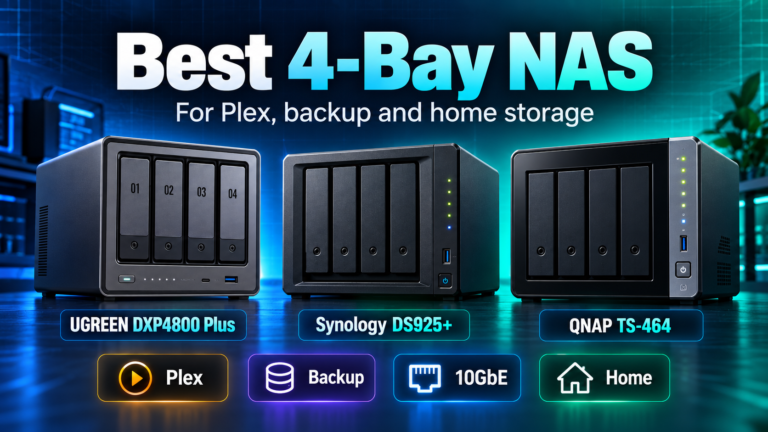
A model such as the UGREEN DXP4800 Plus adds two more SATA bays and a stronger networking/CPU platform, but the real long-term advantage is the four-bay storage layout.
Do not buy four bays just because it sounds more future-proof
Future-proofing can become overspending. A household with 2TB of important data, slow annual growth and a separate cloud or USB backup may be better served by two large mirrored drives. Four bays mean a larger enclosure and, once populated, more drives, power, vibration and replacement costs.
Do not buy two bays if you already know you will outgrow them
The opposite mistake is more expensive. If your current library is already close to the usable capacity of one large NAS drive, a mirrored two-bay system leaves little room for growth. Upgrading may require replacing both drives with larger models or migrating to another NAS.
What about Plex?
Bay count alone does not determine Plex performance. CPU, integrated graphics, codec support and direct-play behavior matter more. A fast two-bay Intel NAS can be a better Plex server than a slow four-bay ARM NAS. Choose bay count for storage architecture, then choose the CPU/platform for your application workload.
For model-specific four-bay choices, see Best 4-Bay NAS for Plex, Backup and Home Storage. For compact choices, see Best 2-Bay NAS for Home Backup and First-Time Buyers.
A simple buying rule
| Your situation | Better starting point |
|---|---|
| Home backup under one drive’s comfortable usable capacity | 2-bay |
| Small media library with mostly direct play | 2-bay |
| Rapidly growing photo/video library | 4-bay |
| Need RAID 5/6/10-style options | 4-bay |
| Want simplest mirror setup | 2-bay |
| Want more capacity without replacing every drive | 4-bay |
Bottom line
Choose two bays when simplicity and cost matter more than expansion. Choose four bays when growth, RAID flexibility and usable-capacity efficiency matter more than the lowest initial price. The right decision is based on how much protected storage you will need in several years, not only how much data you have today.