Do You Need 2.5GbE or 10GbE on a NAS? The Practical Buying Test
For most homes 2.5GbE is the sensible upgrade; 10GbE pays off for large local files, fast clients and multi-user workflows with matching hardware.

For most homes 2.5GbE is the sensible upgrade; 10GbE pays off for large local files, fast clients and multi-user workflows with matching hardware.
4GB suits light file serving; 8GB is a comfortable general-purpose starting point; 16GB+ is mainly for heavier apps and VMs, if the NAS supports it.
RAID 1 is simple for two bays; RAID 5 saves capacity in 3+ bays; RAID 6 tolerates two failures; RAID 10 suits specific performance and rebuild needs.

Choose DSM for integrated backup, QTS for expansion, or UGOS Pro for hardware value, after checking the apps and drives your setup requires.

The best Plex NAS depends on whether your clients direct play or force transcoding. Compare Intel-graphics models, codecs, and subscription requirements.
Many SATA HDDs fit NAS bays, but physical fit does not guarantee full compatibility. Verify exact models, recording type, workload and vendor policies.
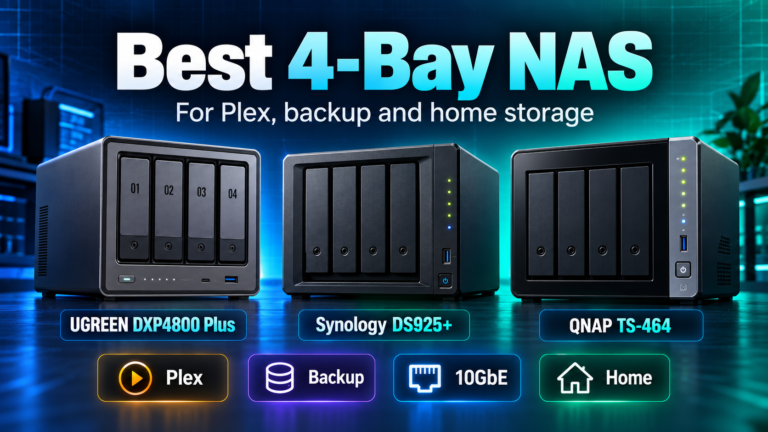
The right four-bay NAS depends on whether your priority is Plex, backup software, networking, expansion or simple home storage.
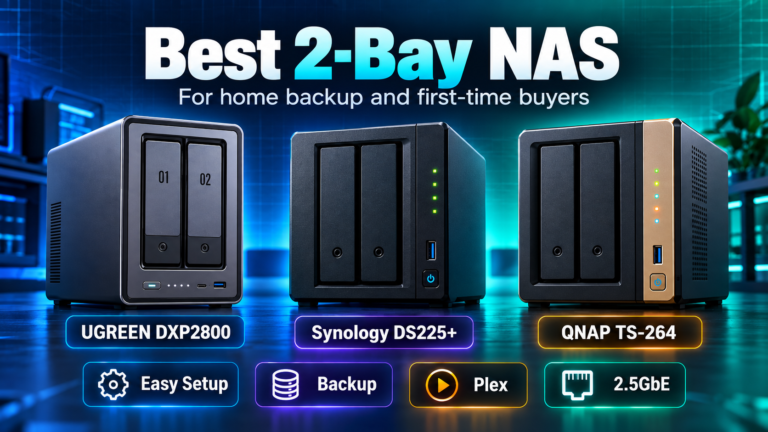
For a first NAS, the best two-bay choice depends on whether you value simplicity, stronger hardware, Plex features or software maturity.
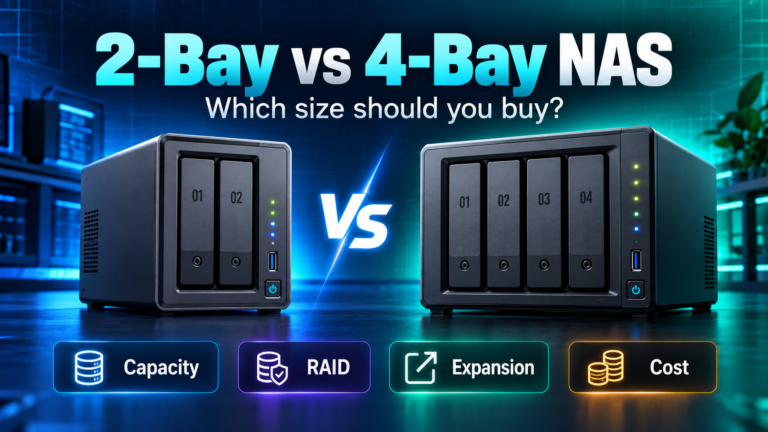
Two bays are enough for many home backups, while four bays provide more usable-capacity and upgrade options. The right choice depends on growth and RAID needs.