
Hard-drive specifications can be difficult to interpret when you are comparing dozens of similar models.
DiskBarn’s guides explain the terms, technologies, and product categories that matter when choosing storage.
Plex on a NAS: Direct Play vs Transcoding, CPU/GPU and Buying Checklist
Quick answer: The best NAS for a Plex library depends less on drive bays than on whether your playback devices can direct play the files. Direct Play asks…
Read Guide →2.5GbE vs 10GbE NAS: When Faster Networking Is Worth Paying For
Quick answer: For many homes and small offices, a NAS with 2.5GbE is a meaningful step up from 1GbE without the expense of a full 10GbE network. 10GbE…
Read Guide →Will This Hard Drive Work in My NAS? Exact-Model Compatibility Checklist
Quick answer: A hard drive can fit in a NAS bay and still be a poor or unsupported choice. Confirm the NAS model, the drive’s complete part number,…
Read Guide →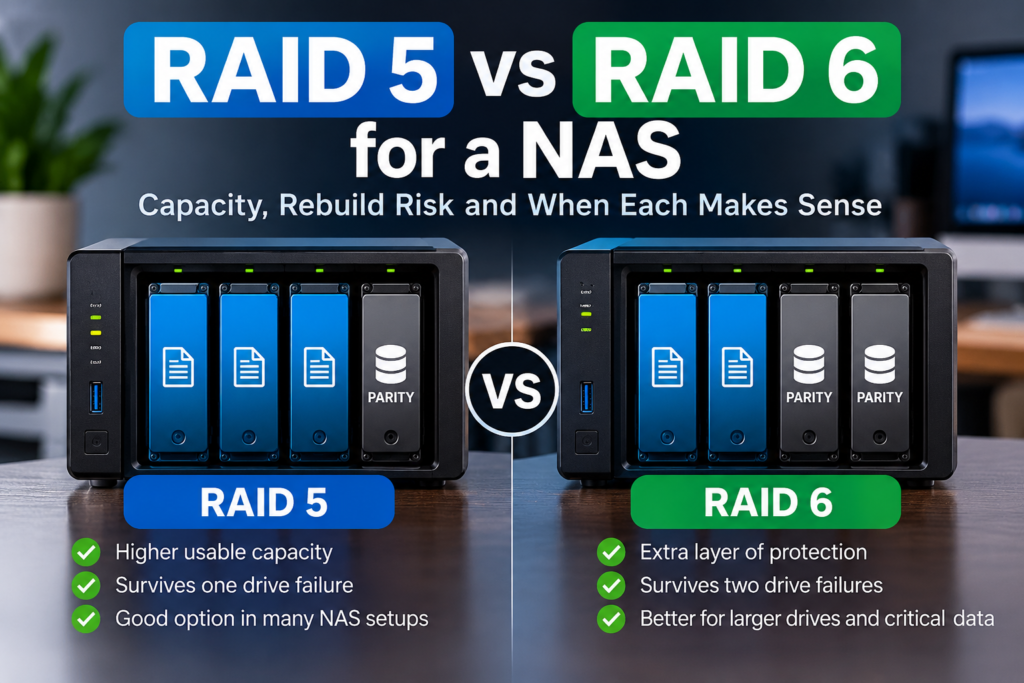
RAID 5 vs RAID 6 for a NAS: Capacity, Rebuild Risk and When Each Makes Sense
Quick answer: RAID 5 uses one drive-equivalent of capacity for distributed parity and tolerates one drive failure. RAID 6 uses two drive-equivalents and tolerates two failures. On four…
Read Guide →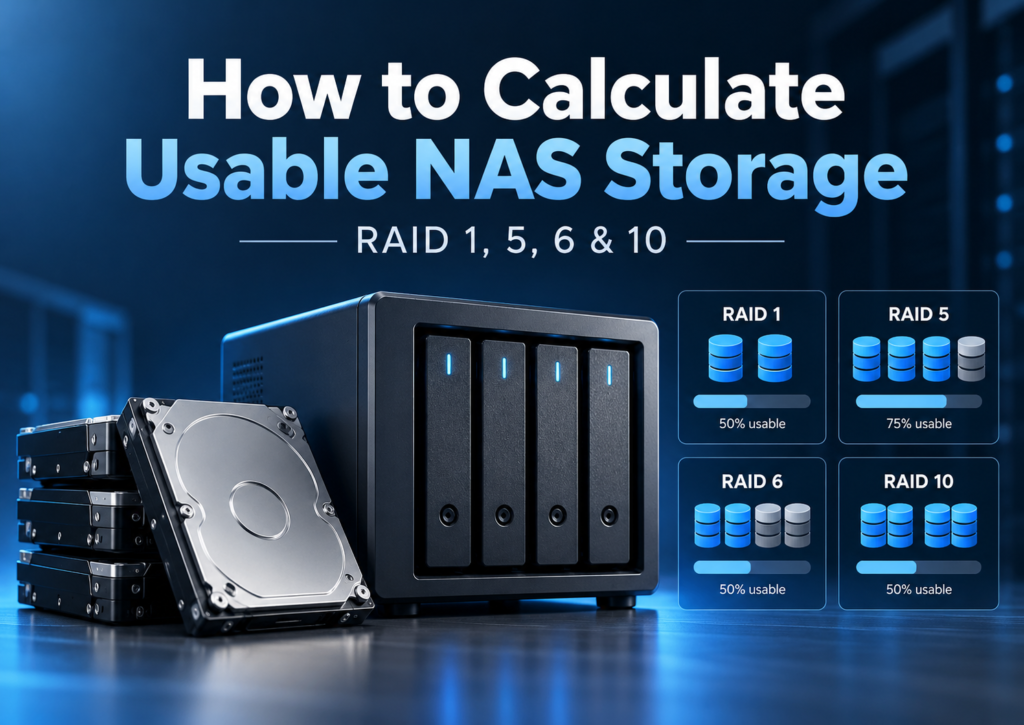
How to Calculate Usable NAS Storage: RAID 1, 5, 6 & 10 With Real Drive Examples
Four 12TB drives in RAID 5 provide 48TB raw, 36TB nominal RAID-usable storage and roughly 32.74TiB before overhead. Learn to calculate RAID 1, 5, 6 and 10 capacity.
Read Guide →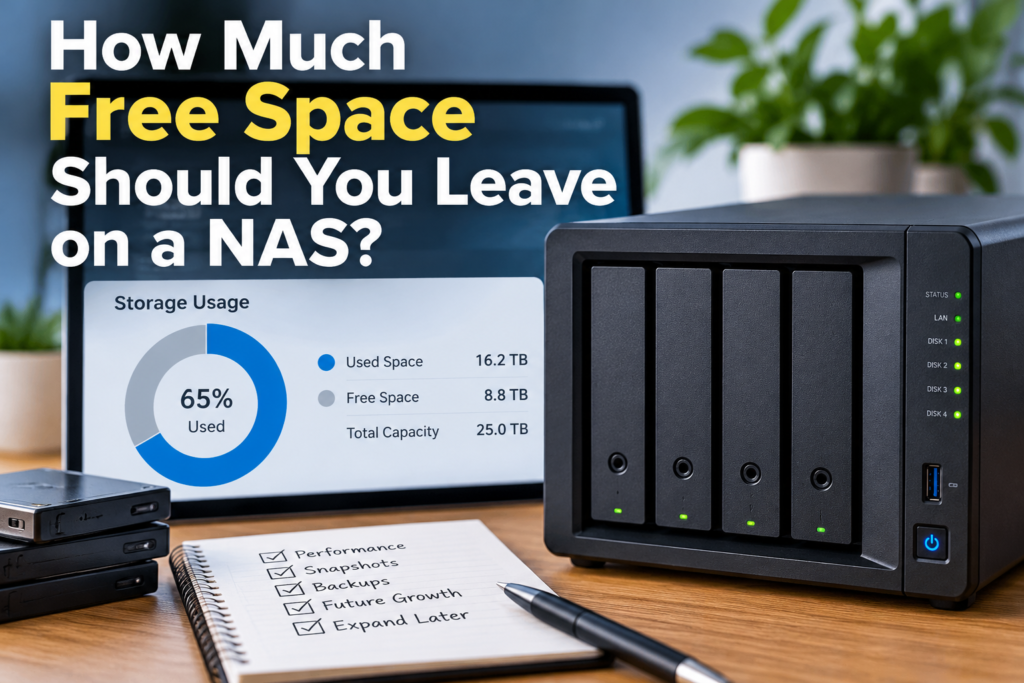
How Much Free Space Should You Leave on a NAS? A Workload-Based Guide
A workload-based explanation of how much free space to leave on a NAS, with TrueNAS, Synology, QNAP, snapshots and growth examples.
Read Guide →
RAID 1 vs RAID 5 vs RAID 6 vs RAID 10: Which NAS Layout?
RAID 1 is simple for two bays; RAID 5 saves capacity in 3+ bays; RAID 6 tolerates two failures; RAID 10 suits specific performance and rebuild needs.
Read Guide →
How Much RAM Does a NAS Need? 4GB vs 8GB vs 16GB
4GB suits light file serving; 8GB is a comfortable general-purpose starting point; 16GB+ is mainly for heavier apps and VMs, if the NAS supports it.
Read Guide →
Do You Need 2.5GbE or 10GbE on a NAS? The Practical Buying Test
For most homes 2.5GbE is the sensible upgrade; 10GbE pays off for large local files, fast clients and multi-user workflows with matching hardware.
Read Guide →
Best NAS for Plex: Direct Play, Transcoding and Hardware That Matters
The best Plex NAS depends on whether your clients direct play or force transcoding. Compare Intel-graphics models, codecs, and subscription requirements.
Read Guide →
Synology vs QNAP vs UGREEN: Which NAS Ecosystem Fits You?
Choose DSM for integrated backup, QTS for expansion, or UGOS Pro for hardware value, after checking the apps and drives your setup requires.
Read Guide →
Can You Use Any Hard Drive in a NAS? Compatibility Before You Buy
Many SATA HDDs fit NAS bays, but physical fit does not guarantee full compatibility. Verify exact models, recording type, workload and vendor policies.
Read Guide →Start with the database
Use the DiskBarn comparison database to search by brand, series, capacity, category, and model number.