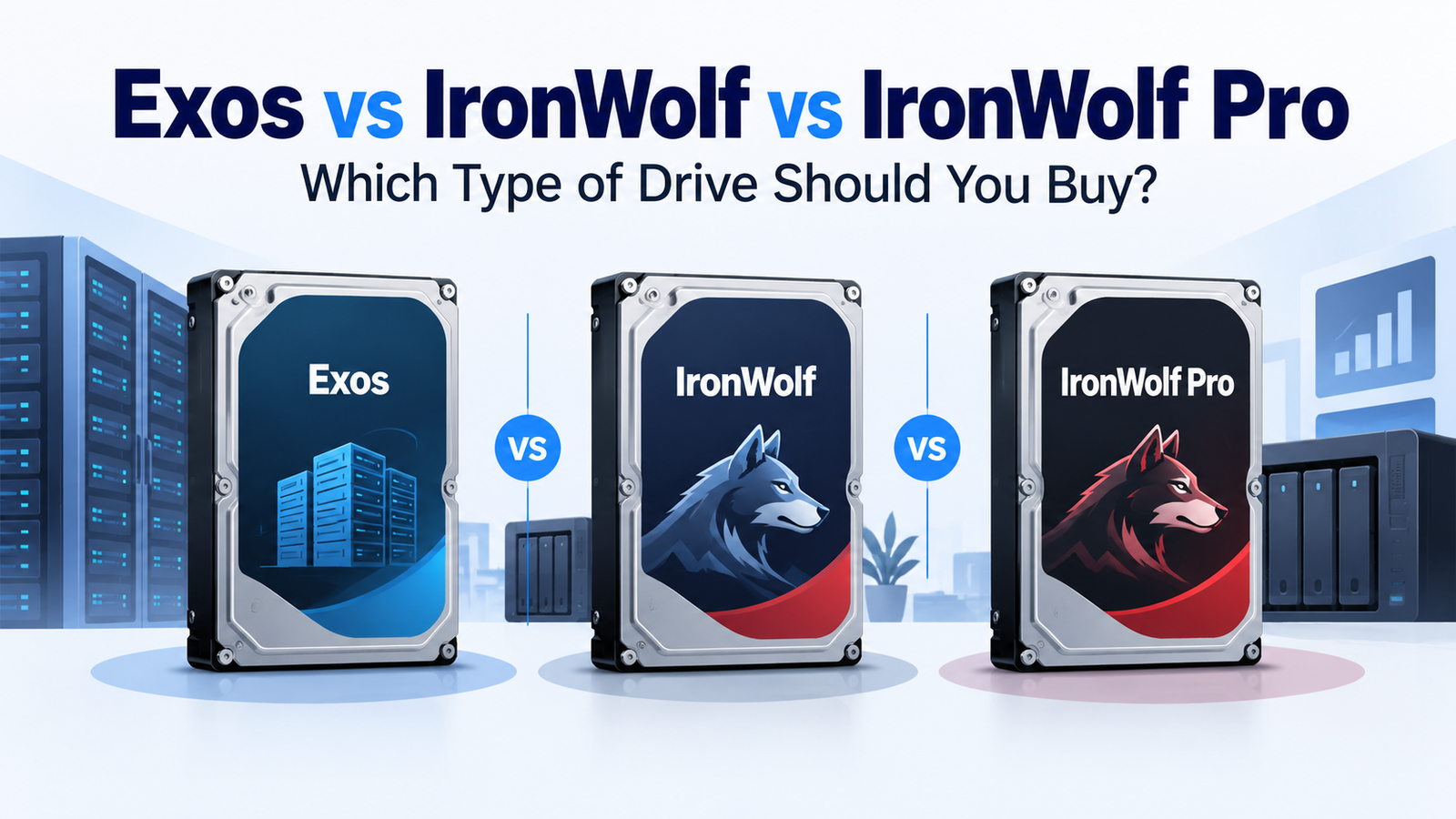
Seagate Exos vs IronWolf vs IronWolf Pro: Which Type of Drive Should You Buy?
At a Glance
| Feature | IronWolf | IronWolf Pro | Exos |
|---|---|---|---|
| Primary use | Home/SOHO/small-business NAS | Commercial and enterprise NAS | Enterprise servers and storage arrays |
| Interface | SATA | SATA | SATA and SAS variants exist |
| Workload class | Up to 180 TB/year | Up to 550 TB/year | Commonly up to 550 TB/year |
| Warranty | 3 years | 5 years | Typically 5 years on current Exos |
| NAS-specific tools | IronWolf Health Management on supported NAS | IronWolf Health Management + Rescue services on current models | Enterprise-focused; no IronWolf Health Management |
| Key buying check | Capacity/model specs | Capacity/model specs | Exact model, SATA/SAS and sector format |
What Is the Main Difference Between Exos and IronWolf?
The cleanest distinction is the environment each family is designed around. IronWolf and IronWolf Pro are NAS products. Their firmware, vibration handling and support features are marketed around multi-drive NAS use. Exos is designed for enterprise servers, dense storage systems and data-center workloads. That does not make an Exos SATA model incompatible with every NAS; it means the exact model and host should be checked instead of treating all 3.5-inch drives as interchangeable.
IronWolf vs IronWolf Pro: What Does Pro Add?
Seagate currently positions IronWolf for one-to-eight-bay NAS systems with a workload-rate limit up to 180 TB/year and a three-year warranty. IronWolf Pro is positioned for commercial and enterprise NAS systems, with current models reaching a 550 TB/year workload class and a five-year warranty. Current Pro offerings also include NAS-oriented features such as IronWolf Health Management and, on qualifying models and regions, Rescue Data Recovery Services.
When standard IronWolf is enough
Standard IronWolf is the sensible baseline when the NAS is small, the annual workload is moderate, and the system does not need the higher workload class or longer warranty of the Pro line. Capacity and model still matter: do not assume every IronWolf drive has identical RPM, cache or transfer-rate specifications.
When IronWolf Pro becomes more relevant
IronWolf Pro is more relevant for larger arrays, heavier multi-user activity, sustained backups, virtualization or professional workflows, and for buyers who specifically value the five-year warranty and higher workload class. It is also the closer NAS-focused comparison to enterprise drives such as Exos.
Why Exos vs IronWolf Pro Is Closer Than Older Comparisons Suggest
Older comparison pages often describe IronWolf Pro as a 300 TB/year product while placing Exos at 550 TB/year. Current Seagate documentation shows that the Pro family has moved up: current IronWolf Pro is marketed at up to 550 TB/year. That means workload rating alone no longer separates the families cleanly.
The practical differences are now more about deployment: NAS integration and support services on IronWolf Pro versus enterprise interface, security and format choices across the Exos range.
Can You Use Exos in a Home NAS?
Potentially, yes. A compatible SATA Exos drive with a sector format supported by the NAS can work in many storage systems. But “it is a 3.5-inch SATA hard drive” is not enough to establish compatibility. Check the NAS vendor’s compatibility guidance, the exact model number, interface, sector format, supported capacity, power characteristics and warranty source.
Why the exact Exos model number matters
Exos families can contain multiple model numbers at the same capacity, including SATA and SAS variants and different sector/security configurations. DiskBarn should therefore link comparisons to exact model pages rather than treating “Exos 20TB” or “Exos 24TB” as a single specification.
Which Family Fits Common Use Cases?
| Use case | Starting point | What to verify |
|---|---|---|
| Typical home NAS | IronWolf | Capacity, NAS compatibility, noise/power needs |
| Heavy home / professional NAS | IronWolf Pro | Workload, warranty, exact capacity/model |
| Business NAS | IronWolf Pro or compatible enterprise HDD | NAS compatibility, support requirements |
| Server / enterprise array | Exos | SATA vs SAS, sector format, controller support |
| Price-sensitive NAS buyer considering Exos | Compare exact models | Interface, warranty channel, acoustics and support |
Bottom Line
Start with the operating environment, not the badge. IronWolf is the mainstream NAS option; IronWolf Pro is the higher-workload NAS option; Exos is the enterprise option. When two drives look similar on paper, compare the exact model number, not just family-level marketing. That approach also makes DiskBarn’s model pages and Compare Hard Drives database more useful than a generic “winner” recommendation.
Compare drives on DiskBarn: Search and compare hard drives by brand, series, capacity, category and model number.
Related DiskBarn Guides
- Can You Use an Enterprise Hard Drive in a Home NAS?
- SATA vs SAS Hard Drives: How to Tell Which One You Need
- Hard Drive Workload Ratings Explained: What Does 180, 300 or 550 TB/Year Mean?