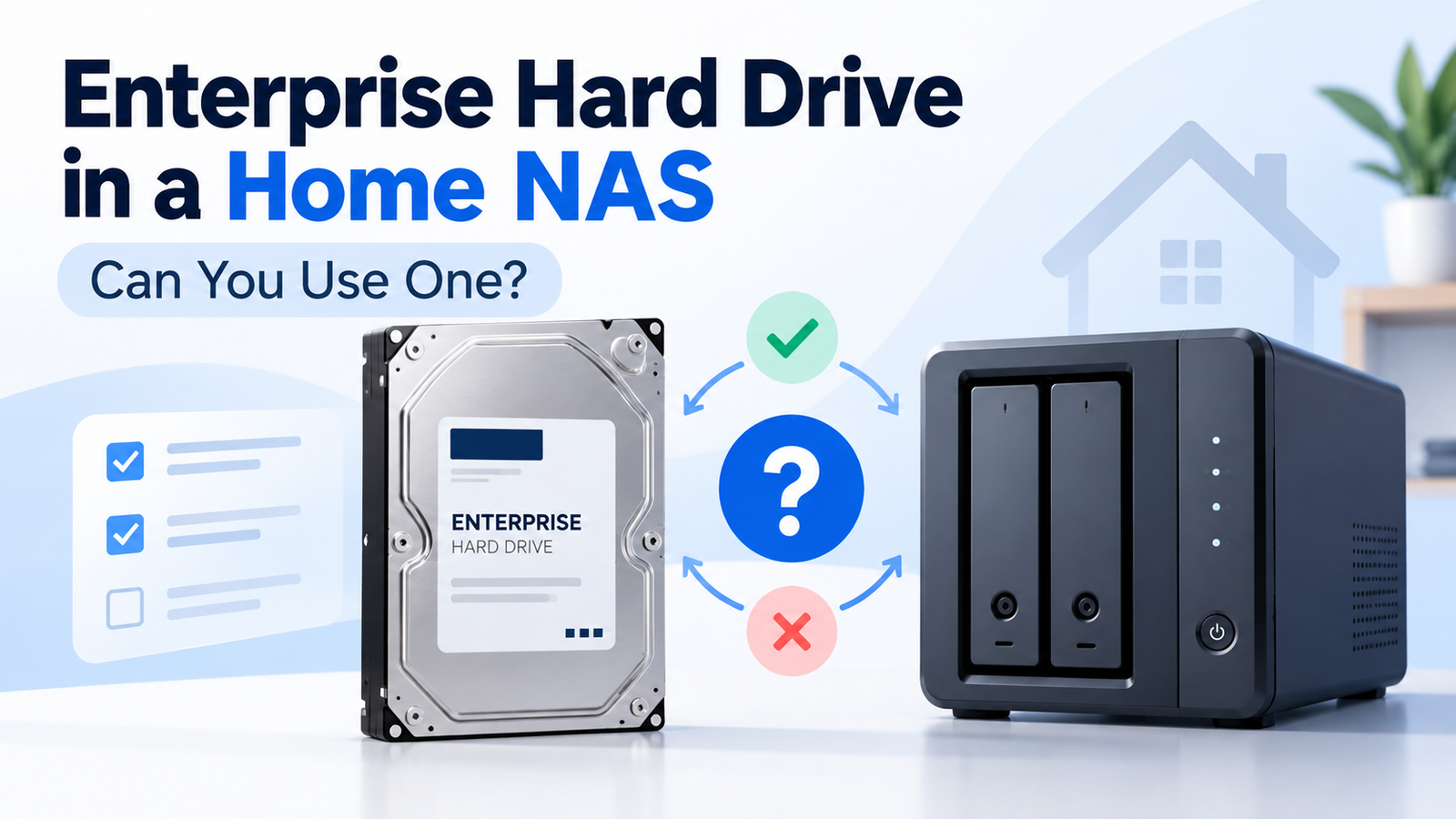
Can You Use an Enterprise Hard Drive in a Home NAS?
At a Glance
| Check before buying | Why it matters | Typical safe direction |
|---|---|---|
| Interface | SAS will not plug into a normal SATA-only controller | Choose SATA unless the NAS/controller explicitly supports SAS |
| Sector format | 4Kn support can be host/OS/controller dependent | 512e is usually the safer compatibility choice for mixed consumer hardware |
| NAS compatibility | Vendors may validate only specific models/capacities | Check the NAS compatibility list or support policy |
| Warranty channel | OEM/recertified units may have different coverage | Verify serial/warranty and seller terms before purchase |
| Noise and power | Enterprise drives may be less home-friendly | Check exact model acoustics and power if the NAS sits near people |
Why Home NAS Buyers Consider Enterprise Drives
The attraction is easy to understand. Enterprise HDDs often offer high capacities, 24/7 positioning, workload ratings around 550 TB/year and long warranties when bought through the intended channel. Surplus, OEM and recertified units can also appear at aggressive prices per terabyte. For a technically compatible NAS, that can make models such as Seagate Exos, WD Gold and Toshiba MG worth comparing.
The First Compatibility Check: SATA vs SAS
This is the most important check. Seagate states that SATA drives can be connected to compatible SAS controllers, but SAS drives cannot be plugged into SATA controllers. Most consumer NAS appliances use SATA drive bays. Enterprise families, however, may be sold in both SATA and SAS variants.
The Second Check: 512e vs 4Kn
Enterprise drives are more likely than consumer NAS drives to expose sector-format choices such as 512e and 4Kn. The drive may physically fit and use SATA while still presenting a logical sector format that an older NAS, controller or operating system does not support. Microsoft, for example, documents different boot/platform requirements for 4Kn than for 512e in Windows environments. NAS support should be verified at the platform level.
Will the NAS Vendor Support the Drive?
A drive can be electrically compatible yet still fall outside the NAS vendor’s validated list or support policy. Seagate recommends consulting the NAS vendor’s compatibility list for IronWolf deployments, and the same principle applies when using an enterprise model. If the NAS vendor flags unsupported drives, decide whether the lower cost or enterprise specifications are worth the support trade-off.
Workload Rating Is Useful, but It Is Not a Quality Score
Enterprise HDDs commonly carry higher workload-rate limits than mainstream NAS drives. WD Gold, for example, is specified for workloads up to 550 TB/year, while mainstream NAS families may be rated around 180 TB/year. That tells you something about the workload class the drive is designed for; it does not prove that the enterprise drive will be quieter, cooler or more suitable in a home environment.
Noise, Vibration and Power Matter More at Home
A rack or server room can tolerate mechanical noise that would be annoying on a desk or in a media room. Enterprise models can also have different idle, seek and power behavior than NAS-focused drives. Do not generalize an entire family as “loud” or “quiet”; check the acoustics and power specifications of the exact model.
Warranty: Retail, OEM and Recertified Are Not the Same
The label on the drive does not guarantee that the end user receives the standard retail warranty. Seagate states that OEM drives may carry warranty responsibility through the system manufacturer or seller rather than Seagate. Manufacturer-recetified products can also have shorter warranty terms than new retail drives. Verify coverage before treating a low purchase price as equivalent value.
A Practical Home-NAS Checklist
| Question | Answer you want before purchase |
|---|---|
| Is it SATA or SAS? | The interface supported by your NAS/controller |
| Is it 512e or 4Kn? | A format supported by the NAS/controller/OS |
| Is the exact model supported? | No blocking compatibility or support issue |
| Is warranty valid for you? | Confirmed manufacturer or seller coverage |
| Will noise/power be acceptable? | Appropriate for the physical location |
| Does the price advantage remain after trade-offs? | Yes, versus a NAS-specific alternative |
Bottom Line
Enterprise hard drives are a legitimate option for technically compatible home NAS systems, but they should be bought model-by-model rather than category-by-category. A compatible SATA Exos, WD Gold or Toshiba MG can be a good value; an incompatible SAS or unsupported 4Kn variant can be an expensive mistake. Use DiskBarn’s exact model pages and comparison database to verify what you are looking at before purchasing.
Compare drives on DiskBarn: Search and compare hard drives by brand, series, capacity, category and model number.
Related DiskBarn Guides
- SATA vs SAS Hard Drives: How to Tell Which One You Need
- 512e vs 4Kn Hard Drives: What NAS and Server Buyers Need to Know
- NAS vs Enterprise Hard Drives: What’s Actually Different?
- Hard Drive Warranties Explained: Retail vs OEM vs Recertified Drives