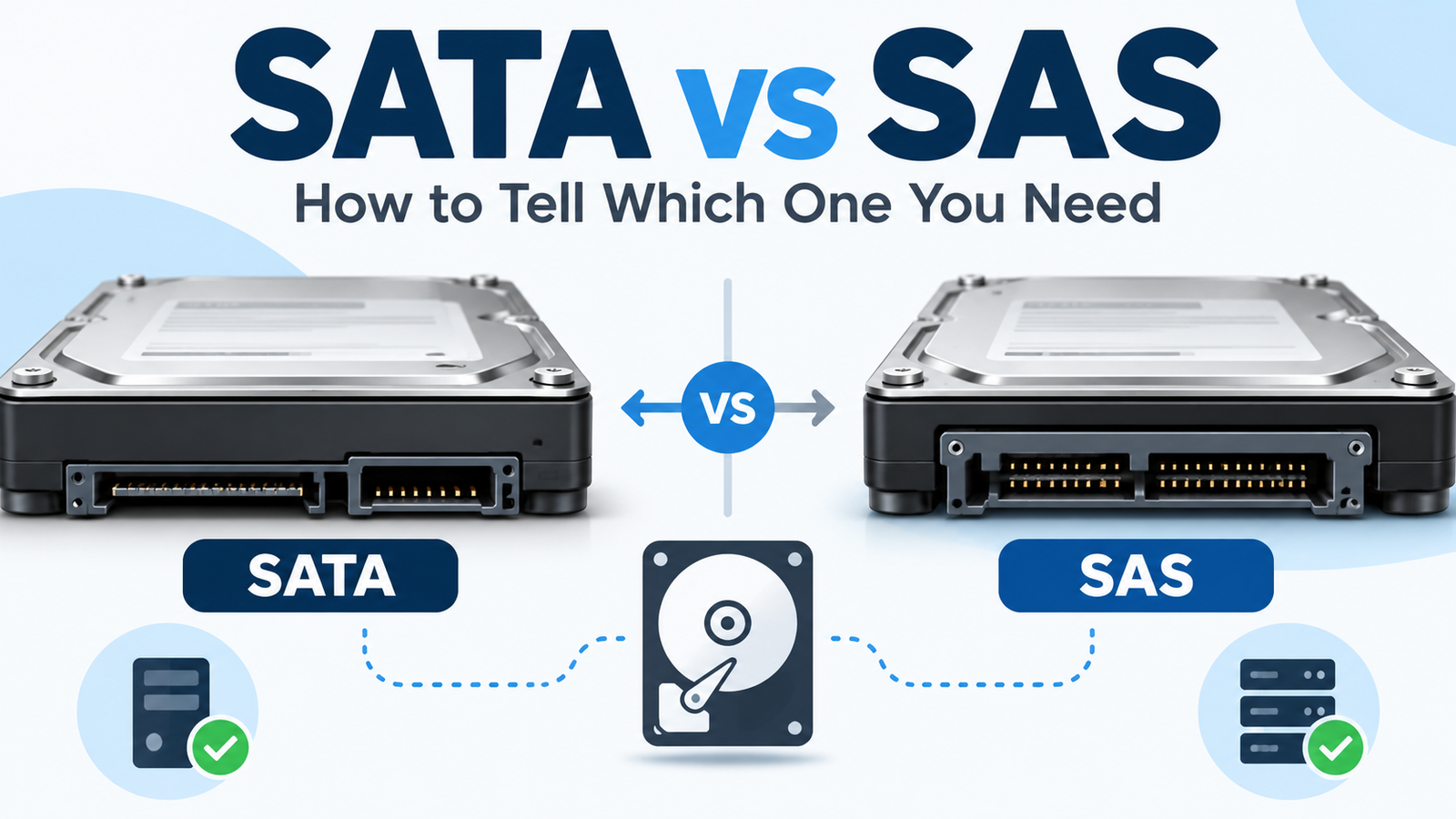
SATA vs SAS Hard Drives: How to Tell Which One You Need
At a Glance
| Feature | SATA | SAS |
|---|---|---|
| Typical environment | Desktop, NAS, many servers | Servers, enterprise arrays |
| Common interface rate | 6 Gb/s | 12 Gb/s on current SAS generations |
| Controller compatibility | Often usable on SAS controllers | Requires SAS-capable controller/backplane |
| Dual-port capability | No standard dual-port path | Common enterprise feature on SAS |
| Home NAS fit | Usually yes | Only if NAS/controller explicitly supports SAS |
| Buying risk | Lower | High if a cheap enterprise listing is mistaken for SATA |
The Compatibility Rule That Matters Most
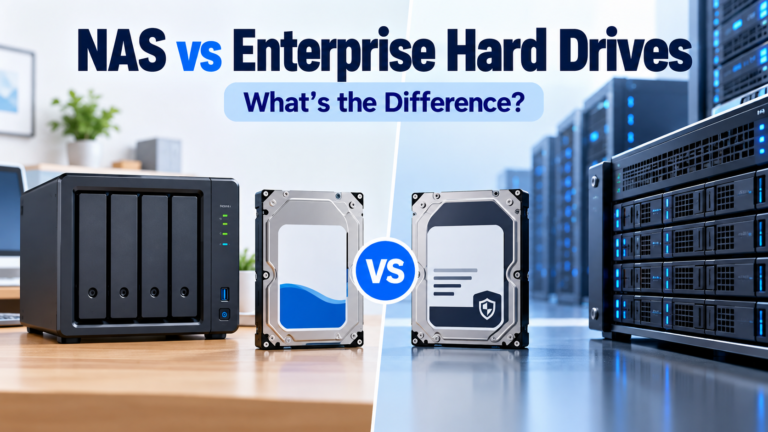
Seagate’s support documentation states the rule plainly: SATA drives may be plugged into SAS controllers when the controller supports them, while SAS drives cannot be plugged into SATA controllers. That is why a low-priced SAS enterprise drive is not a drop-in replacement for a SATA IronWolf, WD Red or Toshiba N300.
Why SAS Exists
SAS was designed for enterprise storage where controller features, multipath/dual-port access, command handling, availability and large storage topologies matter. SATA is simpler and dominates consumer desktops, NAS appliances and cost-sensitive storage. Both can be reliable; they are optimized for different system architectures.
Does SAS 12 Gb/s Make a Hard Drive Twice as Fast as SATA 6 Gb/s?
No. Interface link rate is not the same as sustained platter throughput. A modern 3.5-inch HDD may sustain only a few hundred megabytes per second from the media, well below the theoretical ceiling of either SATA 6 Gb/s or SAS 12 Gb/s. SAS can still provide system-level advantages, but the label “12 Gb/s” should not be read as a guarantee of double sequential HDD speed.
How to Identify SATA vs SAS Before Purchase
Use the complete model number and manufacturer data sheet. Enterprise families such as Seagate Exos and Toshiba MG can include both SATA and SAS versions. Product titles on marketplaces may omit the interface or bury it in specifications. The exact model page should be your final check.
Physical connector clue
SATA separates data and power sections with a visible gap. SAS uses a different combined connector arrangement and requires SAS-capable infrastructure. A photo can help, but model documentation is more reliable because listings often reuse stock images.
Which Interface Should You Choose?
| System | Starting choice |
|---|---|
| Consumer desktop | SATA |
| Typical Synology/QNAP/home NAS | SATA unless vendor explicitly supports SAS |
| DIY server with SATA motherboard ports | SATA |
| Server with SAS HBA/backplane | SAS or SATA depending requirements |
| Enterprise storage array | Follow array/controller qualification; SAS is common |
| Buying discounted Exos/MG drives | Verify exact interface before purchase |
Bottom Line
Choose the interface your controller and backplane support. SATA is the normal answer for consumer NAS and desktops; SAS is common in enterprise infrastructure. When shopping enterprise HDDs, verify the complete model number before price, because a bargain SAS drive is not a bargain if your system can only use SATA.
Compare drives on DiskBarn: Search and compare hard drives by brand, series, capacity, category and model number.
Related DiskBarn Guides
- Can You Use an Enterprise Hard Drive in a Home NAS?
- 512e vs 4Kn Hard Drives: What NAS and Server Buyers Need to Know
- Seagate Exos vs IronWolf vs IronWolf Pro: Which Type of Drive Should You Buy?