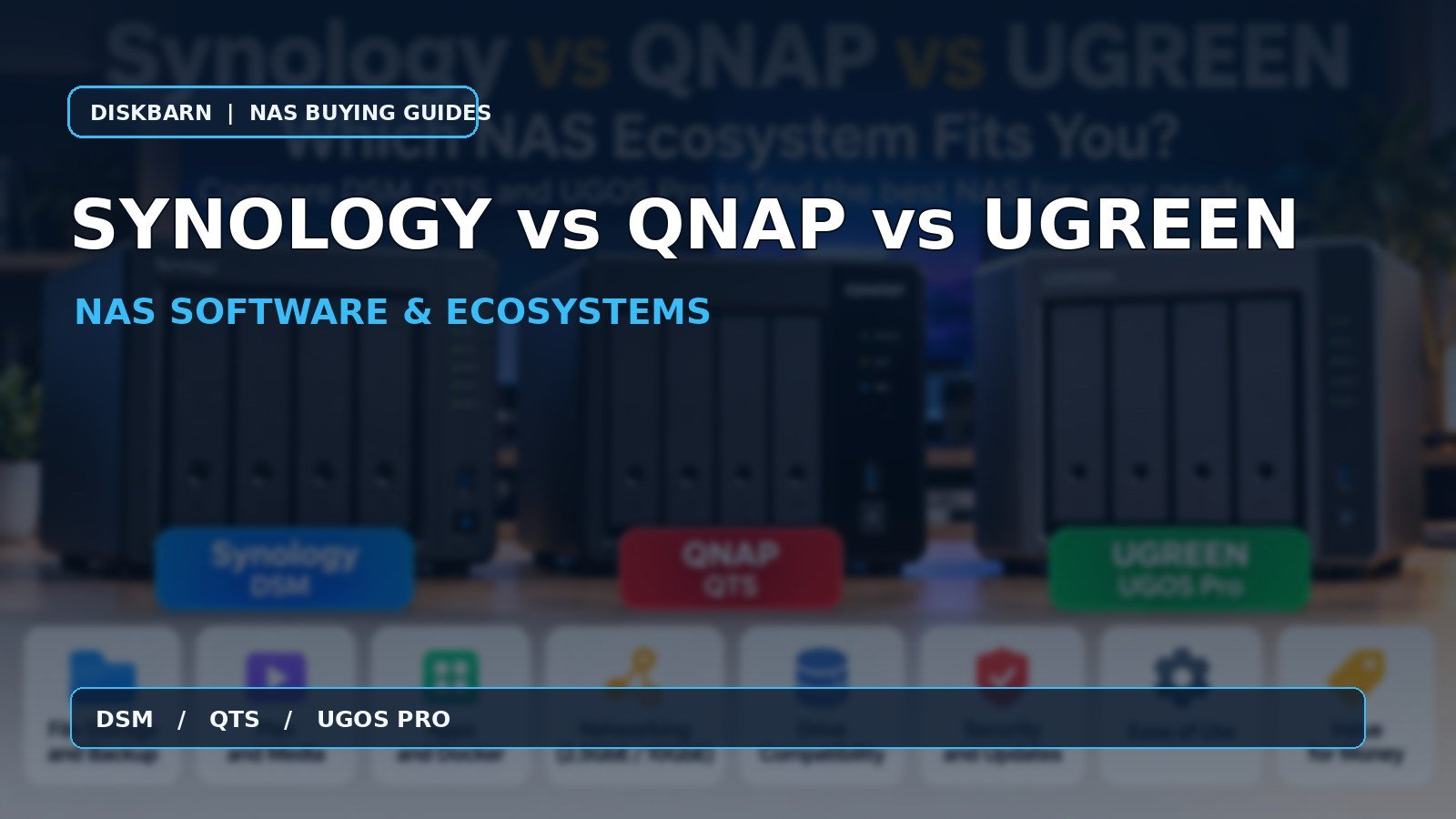
Synology vs QNAP vs UGREEN: Which NAS Ecosystem Fits You?
Synology vs QNAP vs UGREEN is primarily a software decision disguised as a hardware comparison. A NAS stays in your home or office for years; the management interface, backup applications, supported drives and update practices matter every week. A CPU benchmark only matters when it changes the job you can accomplish.
| Decision | Synology DSM | QNAP QTS | UGREEN UGOS Pro |
|---|---|---|---|
| Easiest backup-first fit | Strong: integrated DSM workflow | Strong but more configuration | Promising; verify your exact backup workflow |
| Plex and media | Depends on CPU; DS925+ favors direct play | TS-464 documents Intel hardware transcoding | DXP4800 Plus has Intel hardware; verify Plex configuration |
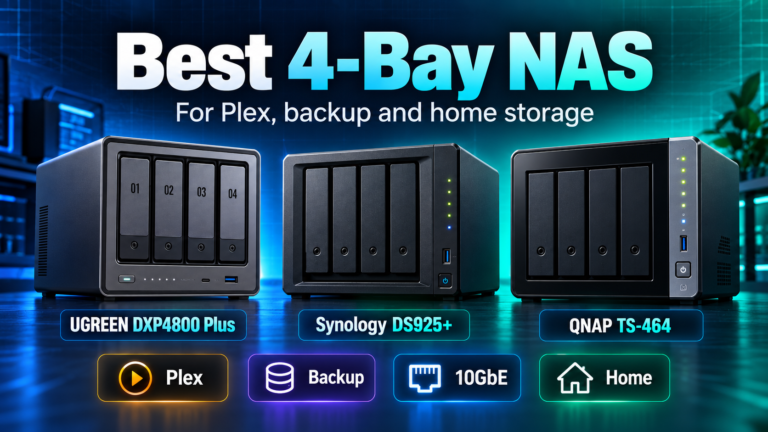
| Networking / expansion | DS925+: dual 2.5GbE | TS-464: dual 2.5GbE + PCIe | DXP4800 Plus: built-in 10GbE + 2.5GbE |
| Containers and apps | Mature DSM packages | Broad QTS app and container ecosystem | Docker supported on current DXP models |
| Best reason to buy | Prefer the software experience | Want flexibility and expansion | Want hardware headroom per dollar |
Research the exact NAS models before buying:
- Synology DiskStation DS925+ 4-Bay Diskless NAS – check Amazon listing (paid link)
- QNAP TS-464-8G-US 4-Bay Desktop NAS – check Amazon listing (paid link)
- UGREEN DXP4800 Plus 4-Bay NAS – check Amazon listing (paid link)
Affiliate disclosure: As an Amazon Associate I earn from qualifying purchases. Amazon links above are paid links. Verify the exact model, seller, condition and current availability.
Start with the job the NAS must do
For a family replacing scattered USB drives with automatic laptop backups and shared photos, Synology’s DSM is a sensible starting point. Its integrated approach to accounts, shares, snapshots and backup applications can reduce ongoing administration. For a buyer who wants the NAS to host Plex, containers, network services and experiments, QNAP’s QTS deserves a close look. For a technically comfortable buyer building a fast local media or creator storage system, UGREEN’s UGOS Pro paired with its newer hardware can be compelling.
None of these conclusions means the other brands cannot perform the task. The question is how much setup, troubleshooting and application verification you are willing to own. If a particular backup package, cloud-sync provider or container image is mandatory, check that exact workflow before buying.
Synology: choose it for the integrated storage workflow
The Synology DS925+ device page illustrates the appeal. It uses a Ryzen V1500B, 4GB ECC memory expandable to 32GB, dual 2.5GbE, two M.2 slots and DSM. Its lack of an integrated graphics engine makes it less appealing when Plex hardware transcoding is central, but the same hardware is entirely reasonable for backup, file synchronization, snapshots and direct-play media.
Synology’s drive policy requires a careful 2026 update. Its initial restrictions on 2025 Plus models were relaxed under DSM 7.3: third-party HDDs and 2.5-inch SATA SSDs not on the compatibility list can be used to create pools on applicable DS Plus models. Drives explicitly on the incompatibility list remain unsupported, and unlisted M.2 NVMe SSDs face stricter restrictions. Check the exact NAS model, DSM version, drive type and compatibility status before purchasing drives. This is not a blanket ‘Synology only accepts Synology drives’ situation.
Buy Synology when: your priority is dependable administration and an established software ecosystem, and the selected model’s CPU and expansion options meet your needs. Check the DS925+ diskless NAS listing on Amazon (paid link).
QNAP: choose it when the NAS is also a flexible server
The QNAP TS-464 has an Intel Celeron N5095, 8GB DDR4 in its current 8G configuration, dual 2.5GbE, two M.2 slots, HDMI and a PCIe expansion slot. That mix is especially useful if you plan to add a network card, experiment with containers or run a Plex server. QNAP explicitly lists hardware-accelerated transcoding for this model, subject to Plex software and subscription requirements.
The tradeoff is not poor software. QTS is a mature system with many controls, but its flexibility asks more of the owner. Decide who will handle updates, remote-access security, permissions and backup verification. If you want a simple storage appliance, additional menus are not automatically an advantage.
Buy QNAP when: you will use the expansion slot, media features or broader application flexibility. Check the TS-464-8G-US on Amazon (paid link).
UGREEN: choose it when the hardware solves a real bottleneck
The UGREEN DXP4800 Plus offers four SATA bays, two M.2 slots, 8GB DDR5, an Intel Pentium Gold 8505, built-in 10GbE and 2.5GbE. That is a strong platform for fast local file transfers and mixed home-server work. UGREEN documents Docker support for current DXP models, including this one. However, Docker availability does not prove that every third-party image or specialized application has been tested by UGREEN.
If your network is still 1GbE, the built-in 10GbE port will not make ordinary file transfers ten times faster. And if your business depends on a particular backup workflow, test its UGOS Pro implementation rather than assuming it mirrors DSM or QTS. For buyers willing to do that verification, the hardware value can be persuasive.
Buy UGREEN when: you need 10GbE or greater hardware headroom and your required applications are confirmed. Check the DXP4800 Plus on Amazon (paid link).
Three buying mistakes to avoid
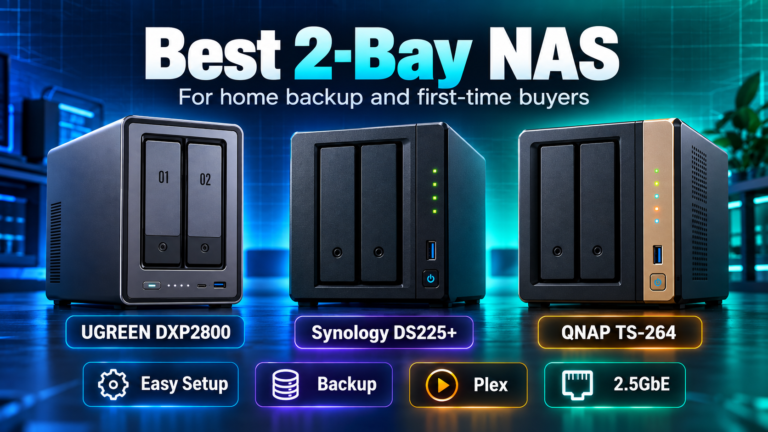
First, do not choose by bay count alone. Two bays may be enough for a household, while four bays give more RAID choices and a less restrictive expansion path. Read 2-bay vs 4-bay NAS if you are still deciding the chassis size.
Second, do not assume that an Intel CPU guarantees every Plex transcode. Codec, subtitle, operating-system access to the video engine and Plex Pass all matter. If video conversion is important, read the QNAP TS-464 vs UGREEN DXP4800 Plus comparison and verify the exact Plex configuration.
Third, do not buy drives without checking the vendor’s model-level compatibility guidance. DiskBarn’s hard-drive comparison database helps identify exact HDD models, but the NAS maker’s compatibility list is the final check for your chassis and firmware.
A practical decision in under five minutes
Write down your three non-negotiables: the backup application you need, whether Plex will transcode, and the speed of your existing network. If DSM uniquely simplifies your backup, start with Synology. If HDMI/PCIe and mature app flexibility matter, start with QNAP. If you already have a fast LAN and can confirm your required apps, UGREEN deserves the shortlist. Then compare exact device pages, not family marketing claims.
For another hardware-first view, read Synology DS925+ vs QNAP TS-464 or UGREEN DXP4800 Plus vs Synology DS925+. Once you choose the NAS, plan drive capacity with DiskBarn’s RAID calculator. Finally, remember that RAID and snapshots do not replace an independent backup.
Bottom line
Synology is the safer starting point for a software-first backup buyer, QNAP for a configurable NAS/server buyer, and UGREEN for a hardware-first power user. Choose the model whose documented software and hardware meet your actual requirements; that is more reassuring than buying whichever enclosure happens to have the largest number on the box.