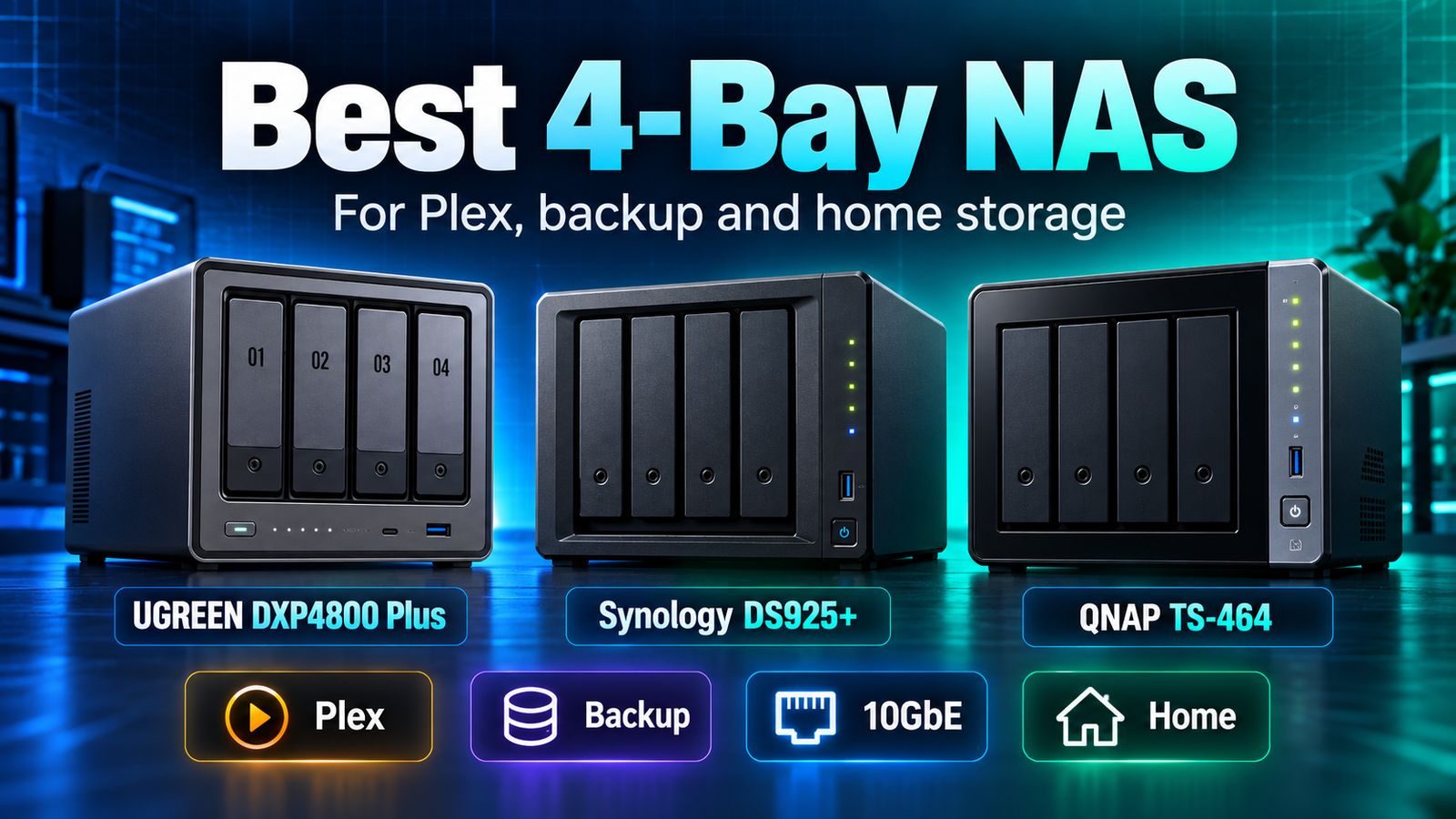
Best 4-Bay NAS for Plex, Backup and Home Storage
The best 4-bay NAS is not one universal model because Plex, backup and home-storage buyers need different things. For hardware-heavy home media and 10GbE, the UGREEN DXP4800 Plus is a strong fit. For DSM, backup workflows and ECC memory, the Synology DS925+ is easier to justify. For Plex, HDMI and PCIe expansion on a mature NAS platform, the QNAP TS-464 remains a strong alternative. The most useful way to choose is by workload rather than by a single overall ranking.
| Use case | Model to investigate first | Why |
|---|---|---|
| 10GbE creator / power-user storage | UGREEN DXP4800 Plus | Built-in 10GbE, newer Intel CPU, 8GB DDR5 and two M.2 slots. |
| Backup-first home or small office | Synology DS925+ | DSM, ECC memory, integrated backup tools and supported expansion. |
| Plex / flexible home server | QNAP TS-464 | Intel UHD graphics, documented hardware transcoding, HDMI and PCIe. |
| Simple four-bay file storage | Any of the three | Drive compatibility, software preference and price may matter more than CPU. |
Affiliate disclosure: As an Amazon Associate I earn from qualifying purchases. Links to Amazon are paid links.
Current Amazon options: UGREEN DXP4800 Plus | Synology DS925+ | QNAP TS-464-8G-US
How these recommendations were chosen
This guide is based on current manufacturer specifications, software capabilities, expansion options, networking, memory, media features and storage design. It is not presented as a hands-on benchmark test. That distinction matters: a NAS can look faster on a specification sheet while being a worse fit for a workflow that depends on a particular backup application or compatibility policy.
The three devices were selected because they represent three distinct four-bay buying strategies rather than three versions of the same product.
UGREEN DXP4800 Plus: strong fit for hardware value and 10GbE
The DXP4800 Plus combines four SATA bays, two M.2 slots, an Intel Pentium Gold 8505, 8GB DDR5, one 10GbE port and one 2.5GbE port. That hardware mix is unusual in the mainstream four-bay class and makes it particularly attractive for creators, large local transfers, Docker workloads and media libraries.
The main tradeoff is software maturity. UGOS Pro has the expected NAS foundations, but buyers with a specialized application should confirm that workflow before treating raw hardware as the deciding factor.
Good fit for: creators, 10GbE homes, power users, media-heavy storage.
Check UGREEN DXP4800 Plus availability on Amazon
Synology DS925+: strong fit for backup and administration
The DS925+ is a four-bay Ryzen system with 4GB ECC DDR4, dual 2.5GbE and two M.2 slots. Its hardware is not as flashy as the UGREEN, but Synology’s value is largely in DSM and the way backup, snapshots, permissions, sync, surveillance and management tools work together.
It also supports Synology’s DX525 expansion unit, which gives buyers a supported path beyond four drive bays.
Good fit for: backup-first households, small offices, Synology users, buyers who value ECC and software integration.
Check Synology DS925+ availability on Amazon
QNAP TS-464: strong fit for Plex and hardware expansion
The TS-464 uses an Intel Celeron N5095, 8GB DDR4, dual 2.5GbE, two M.2 slots, HDMI and a PCIe expansion slot. QNAP lists Intel UHD Graphics and hardware-accelerated transcoding, making the model particularly relevant to Plex and home-theater buyers.
Its older CPU is not as impressive as UGREEN’s 8505, but the TS-464 remains competitive because QTS is mature and the PCIe slot creates options the UGREEN and Synology do not offer in the same way.
Good fit for: Plex, HDMI-connected media, QTS users, buyers who expect to add network expansion.
Check QNAP TS-464-8G-US availability on Amazon
Best four-bay NAS for Plex
If transcoding is important, investigate Intel-graphics systems first. QNAP explicitly documents hardware-accelerated transcoding on the TS-464. UGREEN’s DXP4800 Plus also uses an Intel graphics-capable platform and is positioned for video-transcoding workloads. The DS925+ can still serve Plex media, especially when clients direct play, but its Ryzen platform does not provide the same integrated-graphics advantage.
Read QNAP TS-464 vs UGREEN DXP4800 Plus for the deeper media-focused comparison.
Best four-bay NAS for backup
The DS925+ is the easiest starting point for a buyer whose priority is centralized backup rather than media-server hardware. DSM’s integrated applications and Synology’s administration model reduce the amount of assembly required from the owner. QNAP and UGREEN can also perform backups, but the decision should account for how much software setup and ongoing management you want to own.
How much storage should a four-bay NAS have?
Four bays do not mean four drives’ worth of usable storage once redundancy is added. In a common four-drive RAID 5-style layout, roughly one drive’s worth of raw capacity is devoted to parity before filesystem and system overhead. With RAID 6, the equivalent of two drives is used for parity.
DiskBarn already has a broader storage-capacity guide for HDD planning. The important step is to size the NAS based on usable capacity, expected growth and backup copies rather than simply multiplying drive count by drive size.
Should you buy four bays if you only need two drives today?
Possibly. Empty bays can be valuable because they give you more upgrade options later. But four-bay systems cost more and may tempt you to overspend before you have a real capacity need. Use 2-Bay vs 4-Bay NAS: Which Size Should You Buy? to decide whether the larger chassis is justified.
Bottom line
There is no responsible single “best 4-bay NAS” without a use case. The DXP4800 Plus is the hardware-and-10GbE choice, the DS925+ is the DSM-and-backup choice, and the TS-464 is the Plex-and-expansion choice. Pick the workload first, then choose the NAS whose strengths match it.