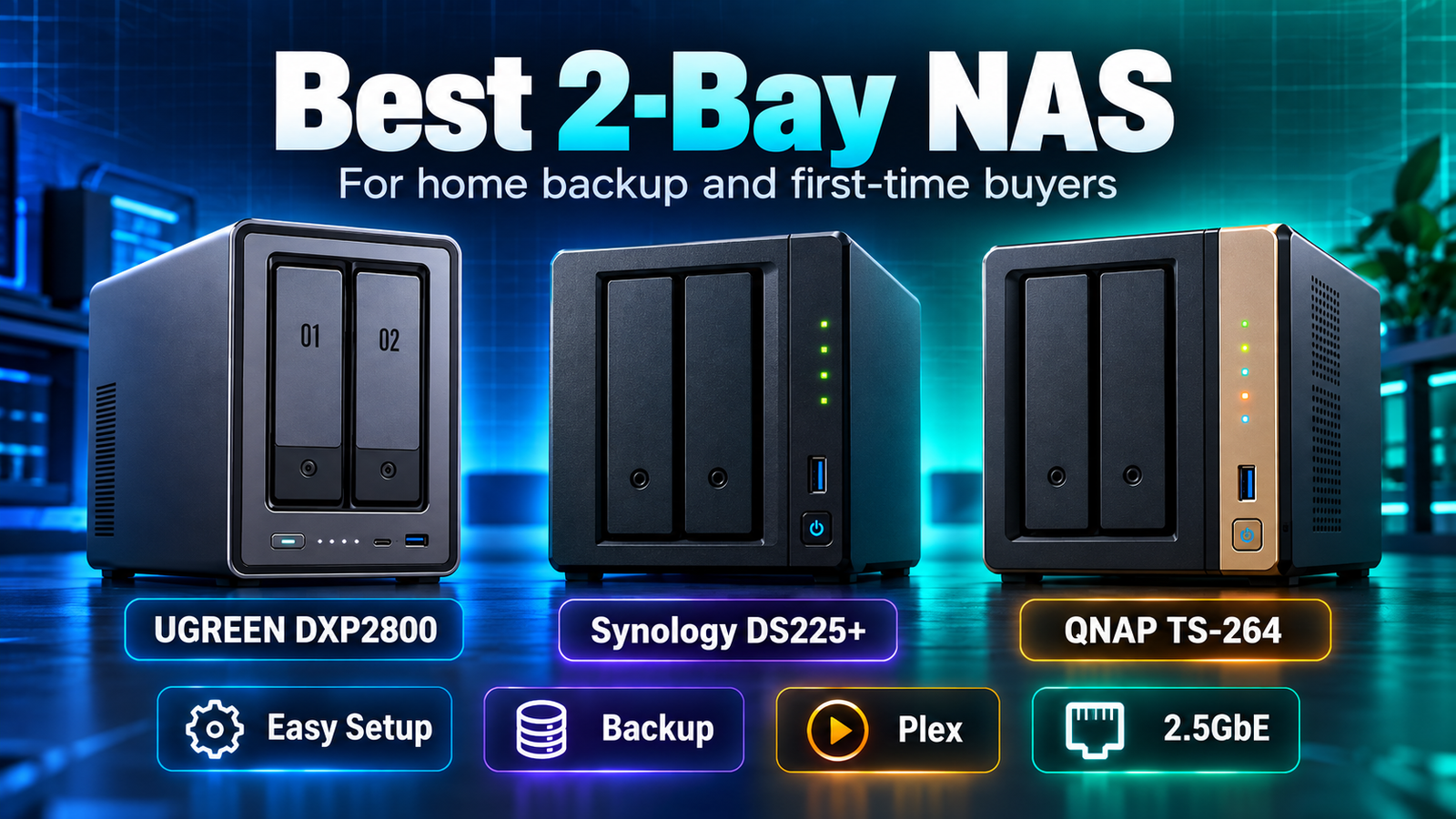
Best 2-Bay NAS for Home Backup and First-Time Buyers
The best 2-bay NAS for a first-time buyer depends on whether simplicity, media features or hardware flexibility matters most. The Synology DS225+ is the easiest starting point for buyers who value DSM and straightforward backup administration. The UGREEN DXP2800 offers unusually strong hardware for a two-bay system, including an Intel N100, 8GB DDR5, 2.5GbE and two M.2 slots. The QNAP TS-264 combines an Intel N5095, 8GB DDR4, dual 2.5GbE, M.2 slots, HDMI and PCIe expansion for users who want a more capable home server.
| Model | Best fit | Key strengths | Main tradeoff |
|---|---|---|---|
| Synology DS225+ | Backup-first beginners | DSM, Intel CPU, compact two-bay design | Less RAM and fewer hardware-expansion features than the other two. |
| UGREEN DXP2800 | Hardware value / home server | Intel N100, 8GB DDR5, 2.5GbE, 2 × M.2 | UGOS Pro is newer than DSM/QTS. |
| QNAP TS-264 | Plex / flexible power user | Intel UHD, hardware transcoding, dual 2.5GbE, HDMI, PCIe, 2 × M.2 | More configuration complexity for a true beginner. |
Affiliate disclosure: As an Amazon Associate I earn from qualifying purchases. Links to Amazon are paid links.
Current Amazon options: Synology DS225+ | UGREEN DXP2800 | QNAP TS-264-8G-US
First understand what two bays mean
A two-bay NAS gives you two primary SATA drive slots. Many first-time owners install two equal drives in RAID 1 so the same data is mirrored on both disks. That means two 8TB drives do not normally provide 16TB of protected usable capacity; the mirrored array is roughly one drive’s capacity before filesystem and system overhead.
Synology DS225+: a straightforward backup-first choice
The DS225+ uses an Intel Celeron J4125, 2GB DDR4 memory, two SATA bays and multi-gigabit networking that includes a 2.5GbE port. The hardware is modest compared with UGREEN and QNAP, but DSM is the reason to consider it. Synology’s interface, backup applications and permission model are well suited to someone who wants a NAS to feel like a finished appliance.
Best for: family photo/file backup, laptops, simple shared folders and first-time DSM users.
Check Synology DS225+ on Amazon
UGREEN DXP2800: strong hardware for the money
The DXP2800 uses an Intel N100, 8GB DDR5, a 2.5GbE port and two M.2 NVMe slots in addition to the two SATA bays. That is a lot of hardware for a compact entry into NAS ownership, and it gives the device room for containers, indexing, media and other tasks beyond simple file backup.
Best for: technically comfortable first-time buyers, home-server users and people who want more RAM and M.2 flexibility from the start.
Check UGREEN DXP2800 on Amazon
QNAP TS-264: the most expandable two-bay option here
The TS-264 uses an Intel Celeron N5095 with Intel UHD graphics and 8GB DDR4. QNAP lists hardware-accelerated transcoding, dual 2.5GbE, two M.2 slots, HDMI 2.1 and a PCIe expansion slot. Those features make it unusually capable for a two-bay box.
The tradeoff is that QTS exposes more options than a beginner may need. That flexibility is valuable if you expect the NAS to become a Plex server, container host or more complex home server.
Best for: Plex, HDMI-connected media, advanced networking and buyers who want room to experiment.
Check QNAP TS-264-8G-US on Amazon
Which one is easiest for home backup?
For a buyer whose only goal is to protect laptops, phones and family files, the DS225+ is the simplest starting point because the software ecosystem does more of the organizational work. The DXP2800 and TS-264 make more sense when the NAS will also be a media or home-server platform.
Do you need 2.5GbE?
Not necessarily. A single hard drive and a gigabit network can already handle many home-backup workloads. Multi-gigabit Ethernet becomes more valuable when several users transfer files at once, when SSD/NVMe storage is involved, or when large media/photo libraries move frequently across the LAN.
When two bays are not enough
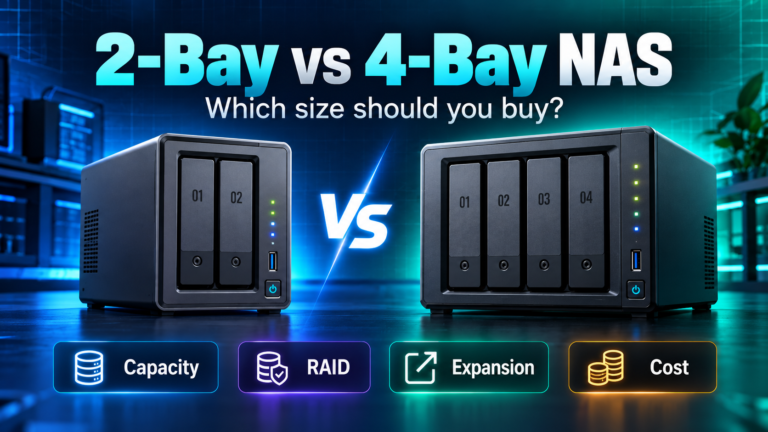
If you expect your storage to grow quickly, need more RAID choices or want to upgrade capacity without replacing both drives, a four-bay NAS may be the better long-term purchase. Read 2-Bay vs 4-Bay NAS: Which Size Should You Buy? before assuming the smaller chassis will save money.
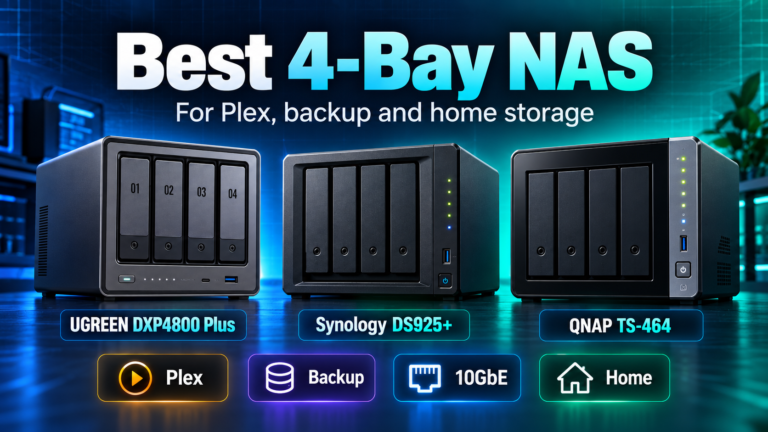
For four-bay options, see Best 4-Bay NAS for Plex, Backup and Home Storage.
Bottom line
For a first NAS, buy the simplest system that supports the workload you actually have. DS225+ is the software-first choice, DXP2800 is the hardware-value choice, and TS-264 is the expansion/media choice. Two bays are enough for many households, but only if the usable capacity and upgrade path still make sense several years from now.