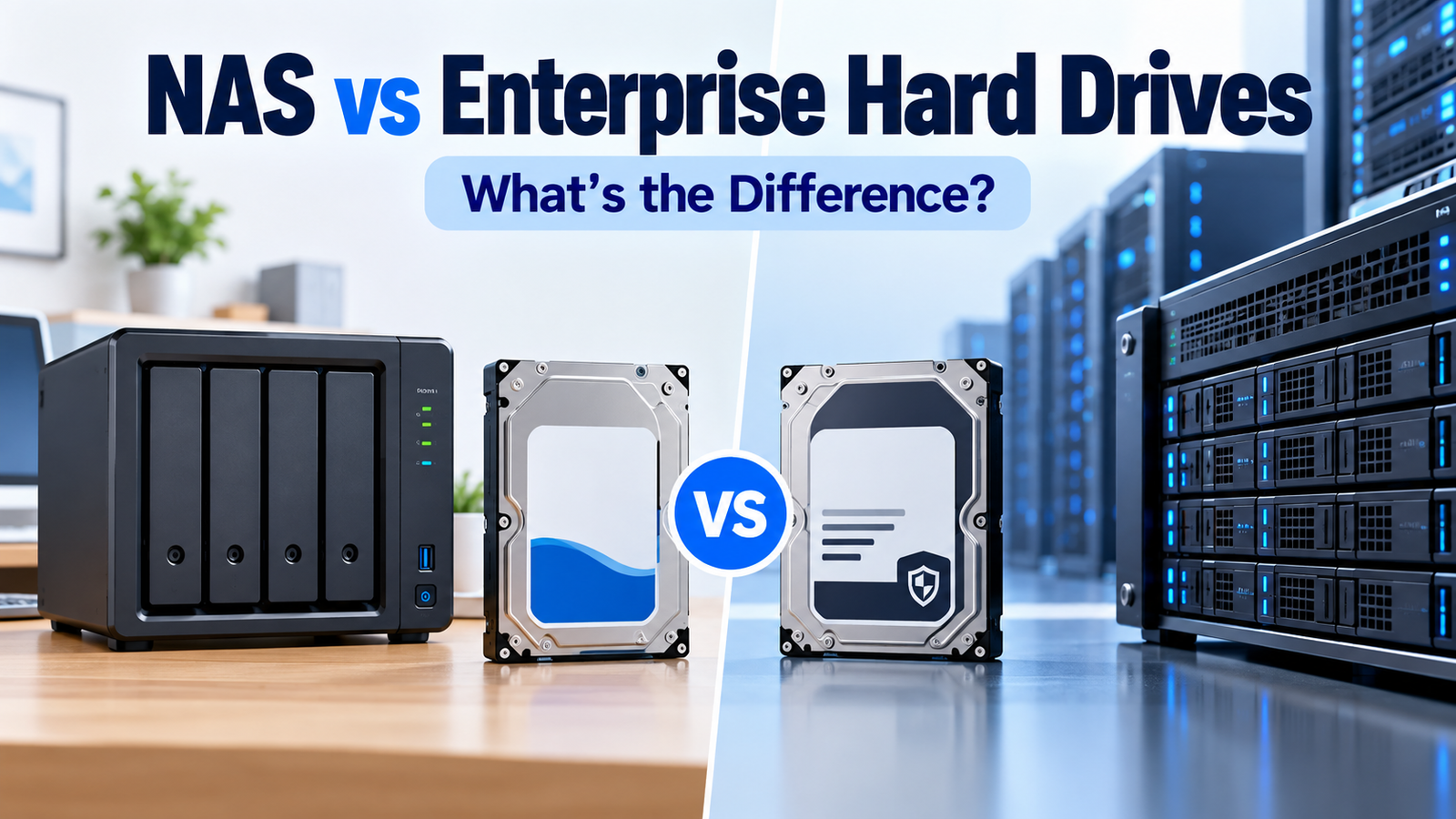
NAS vs Enterprise Hard Drives: What’s Actually Different?
At a Glance
| Characteristic | NAS HDD | Enterprise HDD |
|---|---|---|
| Primary environment | NAS appliances / multi-user file storage | Servers, storage arrays, data centers |
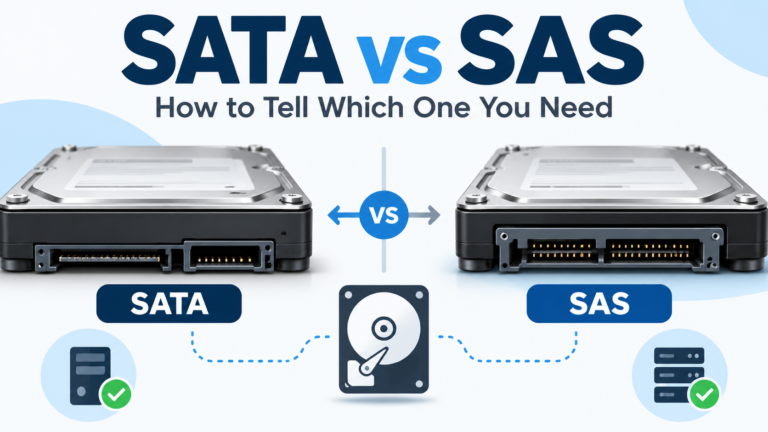
| Interface | Usually SATA | SATA and/or SAS depending family |
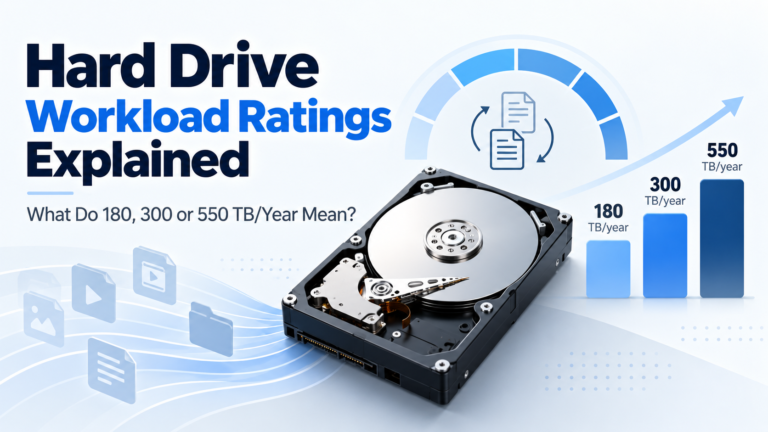
| Workload class | Commonly 180 TB/year; Pro tiers can reach 550 | Commonly up to 550 TB/year |
| Vibration handling | Designed for multi-bay NAS | Designed for dense enterprise enclosures |
| Firmware/support | NAS/RAID-focused; vendor integrations may exist | Enterprise command, security and configuration options |
| Home-use trade-offs | Often easier compatibility and acoustics | Can require more compatibility checks |
NAS Drives Are Designed Around the Appliance
A NAS drive is not just a desktop HDD with a different label. Vendors tune NAS families for multi-drive arrays, 24/7 operation, RAID error-recovery behavior and rotational vibration. Seagate IronWolf, WD Red Plus/Pro and Toshiba N300/N300 Pro are examples of families explicitly positioned for NAS environments.
Enterprise Drives Are Designed Around Enterprise Infrastructure
Enterprise HDDs such as Seagate Exos, WD Gold and Toshiba MG target servers, storage arrays and data-center environments. They typically carry heavy workload specifications, long warranties and more enterprise-oriented options. Some families are available with SAS as well as SATA, and sector/security variants can differ by model.
Workload Ratings Can Overlap
It is no longer accurate to say that all enterprise drives have 550 TB/year ratings while all NAS drives are 180 TB/year. Mainstream NAS families such as IronWolf, WD Red Plus and Toshiba N300 occupy the 180 TB/year class, while higher-tier NAS families such as current IronWolf Pro, WD Red Pro and current N300 Pro can reach 550 TB/year—similar to enterprise drives.
Firmware and Error Recovery Matter
NAS drives are designed to cooperate with RAID environments rather than spending excessive time on internal recovery while the array assumes a drive has stopped responding. Manufacturers use their own firmware and feature names—NASware, AgileArray/IronWolf Health Management, NASLink/Error Recovery Control—but the broad goal is predictable behavior in multi-drive storage.
Interface and Sector Format Create Extra Enterprise Choices
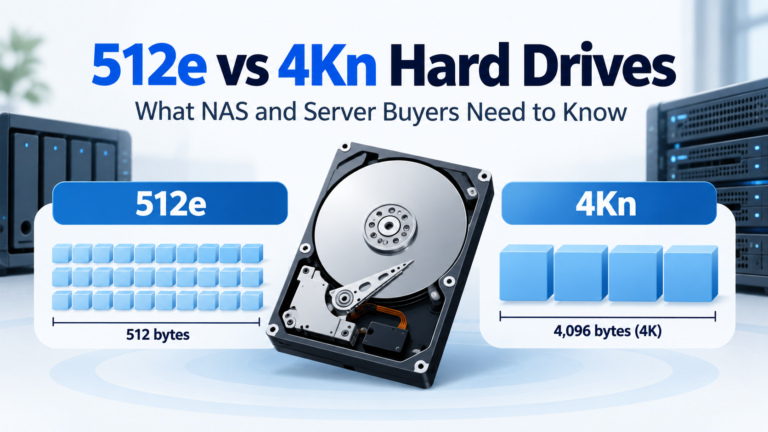
A NAS family is usually simpler to shop: SATA and a consumer/SMB-friendly sector format. Enterprise families may have SATA and SAS versions and 512e/4Kn variants. Those options are useful in servers but create additional ways for a home NAS buyer to choose an incompatible drive.
Are Enterprise Drives More Reliable?
Manufacturers often publish higher MTBF/MTTF and workload specifications for enterprise drives, but those are population-level design metrics and workload classes—not promises about how long an individual drive will last. Reliability also depends on system temperature, vibration, workload, power quality, age and whether the drive is operated within its specified environment.
Which Category Should You Start With?
| Situation | Start with | Then compare |
|---|---|---|
| Home NAS | NAS HDD | Enterprise SATA only if compatible/value is compelling |
| Small-business NAS | NAS HDD / Pro NAS HDD | Enterprise SATA where support allows |
| Large business NAS | Pro NAS HDD | Enterprise HDD depending platform |
| Server / rack storage | Enterprise HDD | NAS Pro only if system/use case supports it |
| SAS storage array | Enterprise SAS HDD | NAS SATA is not a substitute for required SAS architecture |
Bottom Line
NAS and enterprise hard drives overlap more than their marketing categories imply, especially at the high end. NAS HDDs optimize the purchasing and support experience around NAS appliances; enterprise HDDs optimize for servers and storage infrastructure. Compare exact specifications and compatibility rather than assuming one category is universally superior.
Compare drives on DiskBarn: Search and compare hard drives by brand, series, capacity, category and model number.
Related DiskBarn Guides
- Can You Use an Enterprise Hard Drive in a Home NAS?
- Hard Drive Workload Ratings Explained: What Does 180, 300 or 550 TB/Year Mean?
- Seagate Exos vs IronWolf vs IronWolf Pro: Which Type of Drive Should You Buy?
- WD Red Plus vs WD Red Pro: What Are You Actually Paying More For?